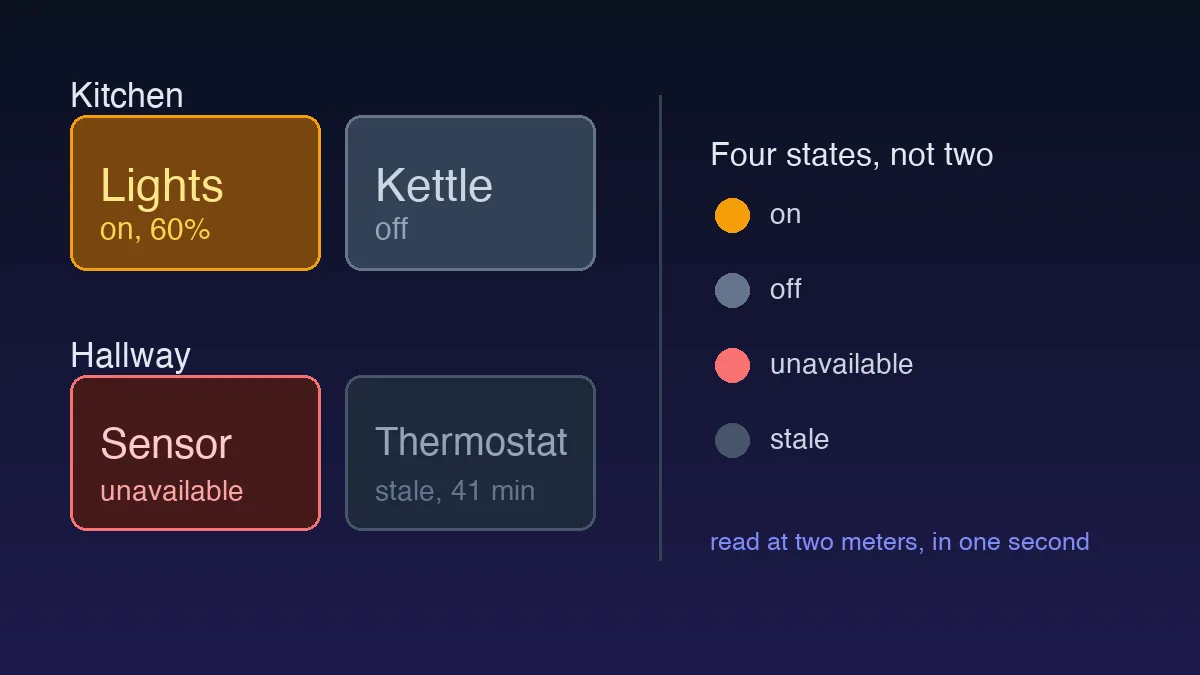
A UX audit is a structured evaluation of a live product against usability heuristics, accessibility standards, and conversion goals. It's a diagnosis, not a redesign. I've run them on fintech dashboards, ecommerce carts, and one truly cursed booking widget, and the thing that separates an audit somebody funds from an audit somebody files is almost never the insight. It's the structure. Below is the checklist that survived: 28 checks in five passes, about three working days on a single flow.
TL;DR: Run a UX audit in five passes. Frame the question, walk Nielsen's heuristics, test accessibility, audit information architecture and copy, then map conversion friction. Rank every finding by severity and effort so the cheapest fixes ship first and stakeholders stop debating taste.

What is a UX audit, and when do you run one?
A UX audit is a structured evaluation of an existing product against usability principles, accessibility standards, and conversion goals. You run one when metrics drop, when support tickets pile up around the same screen, or before a redesign so you don't rebuild the old mistakes in a new colour scheme.
Auditing without a question produces a wishlist nobody funds.
The trigger matters more than the method. "Why do 60 percent of users abandon signup?" is a real audit. "Make the app better" is not, and it will produce forty findings of equal weight that nobody acts on. So write the business question in one sentence before you open the product. Name the flow, the target user, and the number you want to move. Then record yourself completing that flow at normal speed, hesitations included, because the recording is the only honest record of where you paused.
What should a UX audit checklist cover?
Five passes, run in order, each answering a different question about the same flow. Order matters: scope decides what you look at, heuristics tell you where the interaction breaks, accessibility tells you who gets excluded, information architecture tells you what people misread, and conversion tells you what it costs. Running conversion first is how audits turn into growth wishlists.
| Pass | What you check | Typical time | Tools |
|---|---|---|---|
| 1. Scope | The business question, the flow, the baseline numbers | 2 hours | Analytics, screen recorder |
| 2. Heuristics | Nielsen's ten, screen by screen | 4 hours | Your own recording, notes |
| 3. Accessibility | Automated scan, then keyboard and screen reader | 4 hours | Axe DevTools, Lighthouse, WAVE |
| 4. IA and content | Nav labels, error messages, empty states, buttons | 3 hours | Browser, read-aloud pass |
| 5. Conversion | Step count, form fields, rage clicks, Core Web Vitals | 4 hours | Clarity, Lighthouse, funnel data |
Notice what isn't on that list. Brand opinions, corner radii, and animation preferences belong in a design review, not an audit. Keeping them out is what makes engineering read the document.
The 28-point UX audit checklist
Work through the passes in order. Tick each item on the flow you scoped, not on the whole product.
Pass 1: frame the audit
- Write the business question in one sentence, with a number in it.
- Name the single flow you're auditing, and its exact entry point.
- Record yourself completing that flow end to end, at normal speed.
- Pull the baseline metric you expect to move, so the fix is measurable later.
Pass 2: walk the heuristics
- Visibility of system status: after every click, does the user know what happened, including the empty and error states that stay hidden until something goes wrong?
- Error prevention: are destructive actions guarded, or just apologised for afterwards?
- Recognition over recall: does the UI show the options, or make people remember them?
- Consistency: do the same words and patterns mean the same thing on every screen?
- User control: can people undo, cancel, and back out without losing work?
- Match with the real world: do the labels use the user's vocabulary or the database's?
Pass 3: test accessibility
- Run an automated scan on every screen in the flow and log every violation.
- Complete the whole flow with the keyboard only, no mouse, no exceptions.
- Check contrast: 4.5:1 for body text, 3:1 for large text and UI components.
- Confirm a visible focus state on every interactive element, including custom ones.
- Run a screen reader down the critical path and listen to what it actually says.
- Check that every form input has a label, an instruction, and an error tied to it.
Pass 4: audit structure and words
- Would a stranger guess what lives under each navigation label?
- Does every error message name the fix, not just the failure?
- Do empty states do a job, or do they say "No data" and stop?
- Does every button describe its action rather than its mechanism?
- Are page titles and H1s unique, specific, and readable out of context?
Pass 5: map friction and performance
- Count the steps between intent and completion. Then argue for deleting one.
- Count required form fields, and put a cost against each one.
- Watch session recordings for rage clicks and dead clicks on the flow.
- Check Largest Contentful Paint. Anything over 2.5 seconds is a finding.
- Check Cumulative Layout Shift. Over 0.1 and people are mis-tapping.
- On mobile, verify tap targets and confirm nothing scrolls sideways.
- Check that trust signals appear at the decision point, not three screens earlier.
How do you test accessibility without a specialist?
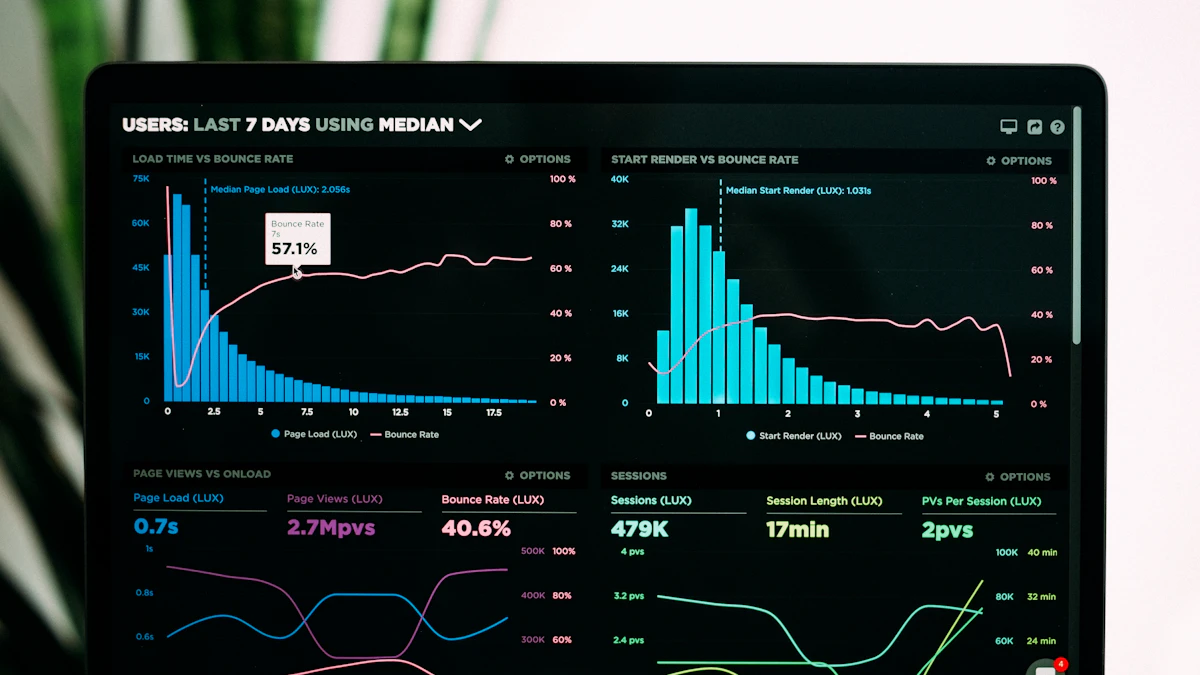
Run automated checks first, then verify by hand, because scanners catch roughly a third of real problems. The scale of what they do catch is worth knowing: WebAIM's 2026 Million report found detectable WCAG 2 failures on 95.9 percent of home pages, averaging 56.1 errors each. Low contrast text accounted for 83.9 percent of pages, missing alt text 53.1 percent, and missing form input labels 51 percent. Six categories cover 96 percent of all errors detected, which means most of the fixing is unglamorous and cheap.
The manual half is where judgement lives. Machines can't tell whether your alt text makes sense, and they can't feel a modal trap focus. So I do three things by hand on every audit: move through the flow with the keyboard only, verify contrast against the WebAIM WCAG 2 checklist, and turn on a screen reader for the critical path. Keyboard traps and missing focus states show up constantly. Most teams ship them without ever pressing Tab, and that's a choice, not an accident.
What changes for ecommerce and SaaS audits?
The five passes stay. What changes is where the money leaks, so pass 5 gets heavier and gains a few product-specific checks.
On ecommerce, audit the product page against the three questions every buyer asks before adding to cart: does it fit, what does it really cost, and can I send it back. Then audit the cart for surprise costs, because shipping revealed at the final step is still the abandonment trigger I find most often. Check whether guest checkout exists at all. Forcing account creation before payment happens in 2026 more than you'd believe, and it's expensive.
On SaaS, the leak is usually earlier. Audit the gap between signup and first useful outcome, and count how many decisions stand between them. A trial that asks for team size, industry, and a use case before showing anything is asking users to pay in effort before they've seen value. On a SaaS onboarding I audited last year the biggest leak wasn't an error at all. It was a "Continue" button that looked disabled because of low contrast. Small thing, huge drop-off.
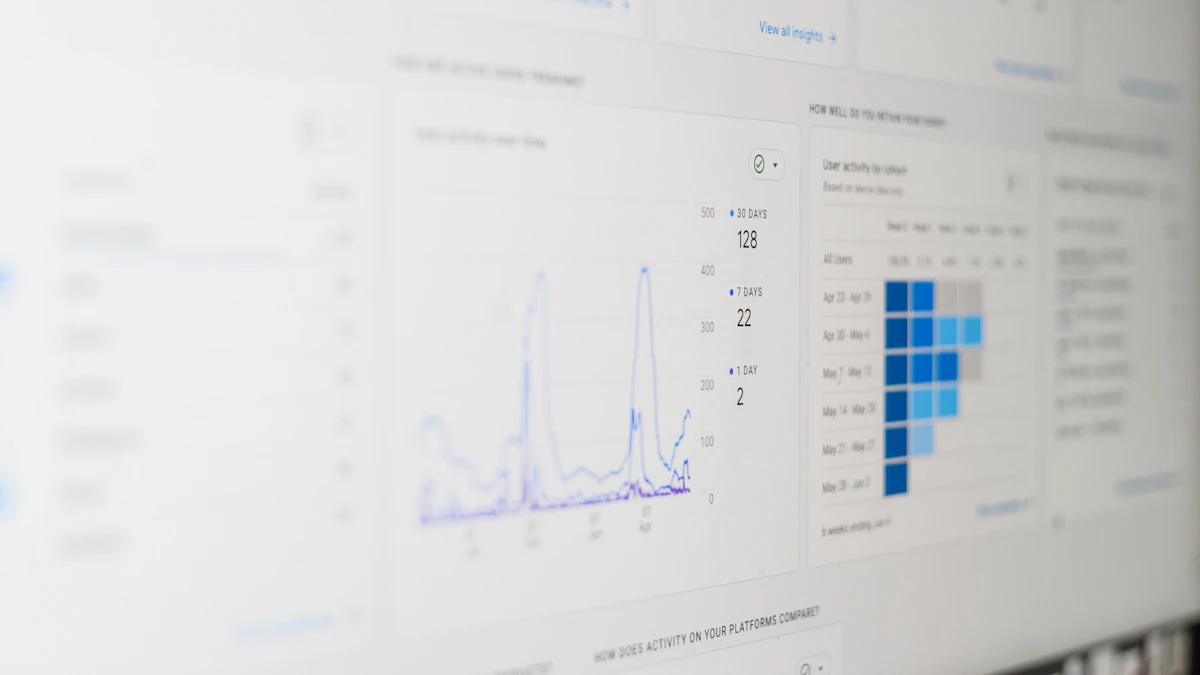
How do you rank findings so they actually get funded?
Group every finding by severity using Nielsen's four-level scale, then add an impact-versus-effort score. Severity says how badly the problem hurts. Effort says what it costs to fix. Sorting on both is what turns a critique into a plan, and it's the step most audits skip.
| Severity | What it means | Priority |
|---|---|---|
| Cosmetic | Small polish issue, does not block the task | Lowest |
| Minor | Noticeable friction, small task delay | Low |
| Major | Significant usability problem | High |
| Catastrophe | Blocks the user from finishing the task | Jumps the queue regardless of effort |
Then decide which findings deserve a test. Jakob Nielsen's five-user rule still holds: five participants surface about 85 percent of the usability problems in a design, and finding all of them takes at least fifteen. His advice was to spend that budget on three studies of five rather than one study of fifteen. Audit first to narrow the field, then test the two or three findings you'd be most embarrassed to get wrong.
What surprises most stakeholders is that the cheapest fixes often move the metric most. Hand them a ranked list with effort attached and the conversation stops being about taste.
An audit is only as good as your map of the product, so it helps to start from a clear user flow map. Once you've logged the issues, prioritise them against the fundamentals in visual hierarchy in UI design, then confirm the fixes actually work with usability testing on a budget.