Most teams skip usability testing because they think it needs a lab, a budget line, and a research hire. It doesn't. The Nielsen Norman Group found that testing with just five users uncovers around 85 percent of usability problems (NN/g, 2000). Five people. That's the whole secret most expensive research programs are quietly built on. So why do so many small teams ship blind?
This guide covers the cheap, fast methods I actually use, what each one catches, and a realistic plan you can run this week for under 200 dollars.
TL;DR: Five users per round catches about 85 percent of usability problems, and you don't need a lab to find them. Run cheap methods together: 5-second tests, first-click checks, guerrilla sessions, moderated calls, and free heatmaps like Microsoft Clarity. A full loop, fix, retest, costs under 200 dollars and two weeks.
Why does small-sample testing work so well?
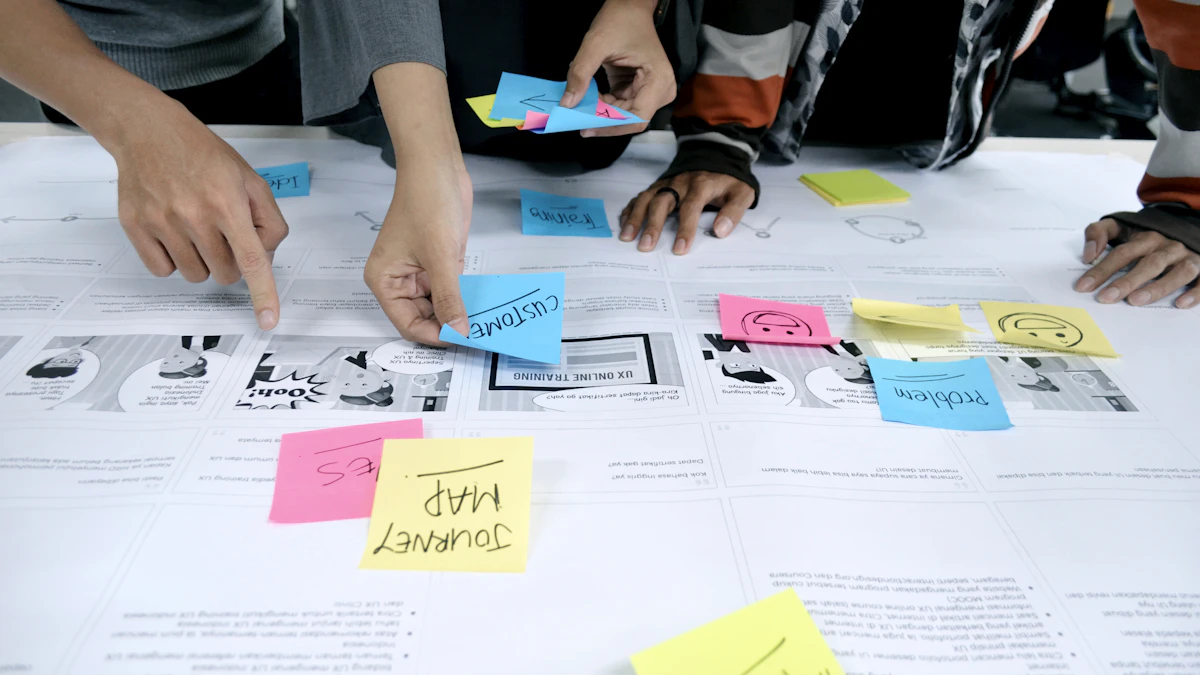
Usability problems cluster. The same five people hit the same broken dropdown, the same confusing label, the same hidden button. After five sessions you're mostly watching reruns, which is why Nielsen recommends small iterative rounds over one big study (NN/g, 2000).
Here's the part people miss. Five users per round, not per project. I'd rather test five, fix what breaks, then test five more on the repaired flow. Three rounds of five beats one round of fifteen every time. You're hunting patterns, not statistical significance. A usability problem that two of five people hit is real. Go fix it.
Three rounds of five users beats one round of fifteen every time. You're hunting patterns, not statistical significance.
What does the 5-second test catch?
The 5-second test measures first impressions, and it's the cheapest method going. You show someone a screen for five seconds, hide it, then ask what they remember. It catches clarity problems: unclear value propositions, buried headlines, visual hierarchy that points at the wrong thing.
I ran one on a pricing page last year. Eight of ten people couldn't say what the product did. Eight. The hero copy was clever instead of clear, and the test exposed it in an afternoon. Tools like UsabilityHub run these for a few dollars per response. Use it for landing pages and anything where the first glance decides whether someone stays.
Which budget methods should you combine?
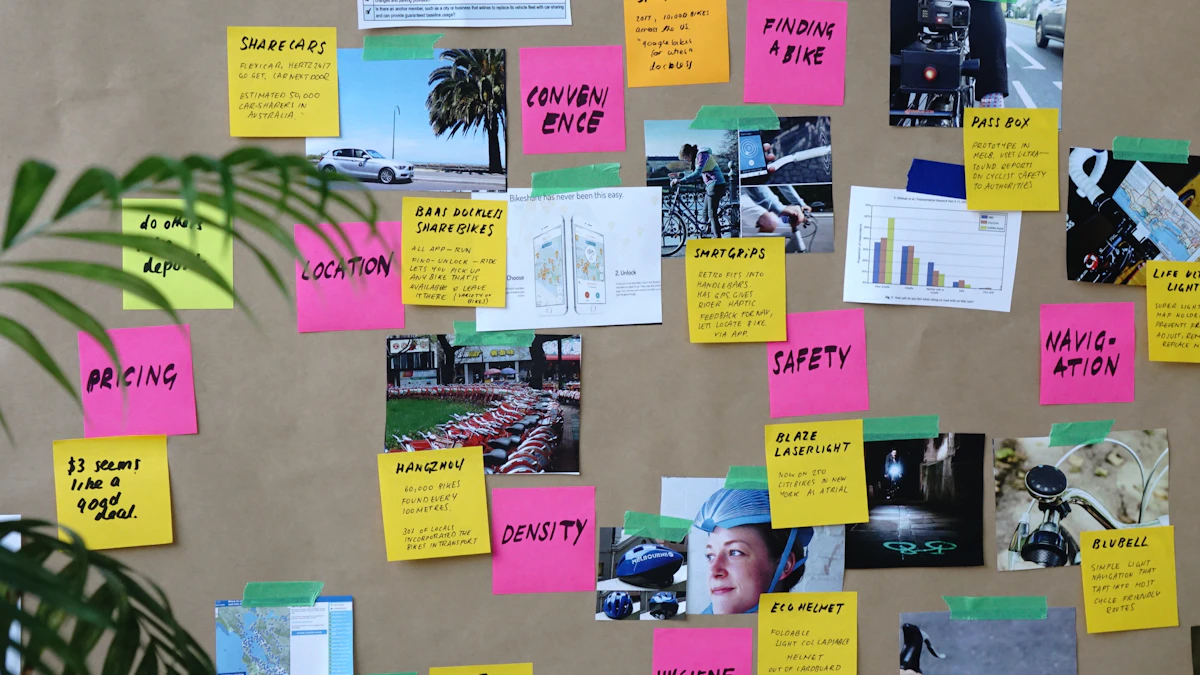
No single method catches everything, so a smart budget plan stacks a few cheap ones. Each technique sees a different slice of reality, and the overlap is where you find your real priorities. Here's how the main options compare on cost and what they reveal:
- Guerrilla or hallway testing: Approach strangers in a cafe or coworking space, ask them to try a task. Costs coffee. Catches obvious blockers fast, terrible for niche audiences.
- Moderated remote (5 users): Zoom plus screen share, 30 minutes each, 20 to 50 dollars incentive. Catches the why behind failures. Best depth per dollar.
- Unmoderated (Maze, Useberry): Self-run tests, volume overnight. Maze starts near 99 dollars a month. Catches task-success rates at scale.
- Heatmaps and session replay (Microsoft Clarity, Hotjar): Passive, runs on live traffic. Catches where real users click, scroll, and rage-click.
| Method | Typical cost | Best at | Watch out for |
|---|---|---|---|
| Guerrilla or hallway testing | Price of coffee | Catching obvious blockers fast | Useless for niche audiences |
| Moderated remote (5 users) | 20-50 dollars per person | Understanding why users fail | 30-45 minutes per session plus scheduling |
| Unmoderated (Maze, Useberry) | From 99 dollars a month | Task-success rates at volume, overnight | No follow-up questions when something's unclear |
| Heatmaps and session replay (Clarity, Hotjar) | Free (Clarity), limited free tier (Hotjar) | Where real users click, scroll, and rage-click | Shows what happened, not why |
Where free heatmaps fit
Microsoft Clarity is free with no traffic cap and gives you heatmaps, recordings, and rage-click detection (Microsoft Clarity, 2026). I install it on day one of any project. Here's the honest limit: a heatmap shows people ignore your button, never why. Pair it with two moderated calls and you'll know both the what and the why.
When guerrilla testing falls apart
Guerrilla testing is brilliant for consumer flows and useless for niche software. If your product serves radiologists or tax accountants, a stranger in a coffee shop can't tell you anything meaningful. I learned that the hard way testing a clinical dashboard on random cafe patrons. They were polite and completely lost. Match the method to the audience. Broad audience, grab strangers. Narrow audience, pay for the right five.
Don't skip first-click testing
One cheap method gets ignored constantly, and it predicts success better than almost anything else. First-click testing. You show someone a screen, give them a task, and record where they click first. That's it. Research from Bob Bailey found that when users get the first click right, they complete the task around 87 percent of the time; when the first click is wrong, success drops to roughly 46 percent. Think about that gap. Half your task failures are decided in the opening second. I run these inside the same 5-second sessions, no extra tooling, no extra recruiting. If the first click lands somewhere you didn't expect, your labeling or layout is the problem, and you found it for nothing.
What does a realistic low-cost plan look like?
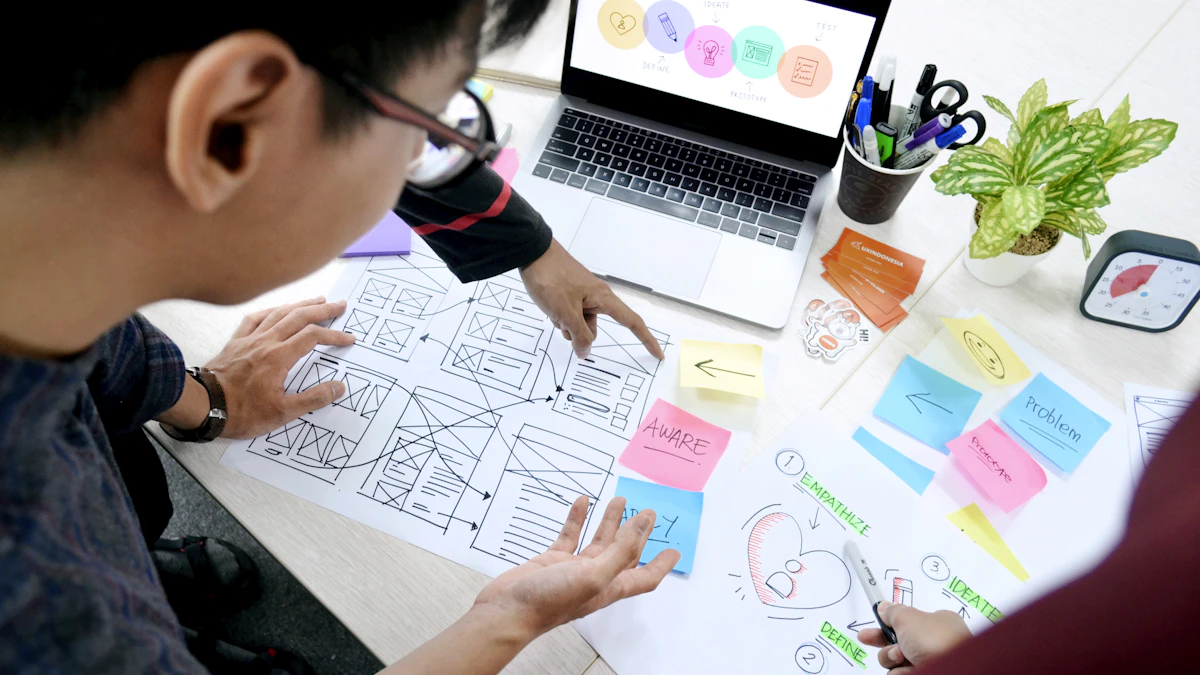
A working budget program costs under 200 dollars a round and runs on a two-week loop. The structure matters more than the spend. You define one question, test it cheaply, fix the result, then test again. Skipping that loop is the single most expensive mistake teams make, and it's free to avoid.
My standard plan looks like this:
- Week one, day one: Install Clarity. Let real behavior data collect while you prep.
- Day two: Run a 5-second test on your key screen, ten responses.
- Days three to five: Run five moderated remote sessions, one task each, 40 dollars per person.
- Week two: Fix the top three problems. Re-test the repaired flow with a quick unmoderated Maze test.
Total cash: roughly 200 dollars for incentives, zero for tooling if you stick with free tiers. Freelancers, bill that loop as a line item rather than absorbing it, a testing round priced into the project is one of the easiest upsells in the UI/UX freelance rates guide playbook, and clients rarely push back once they see what it catches. Is it perfect? No. Does it catch the embarrassing stuff before launch? Almost always. I've shipped features off exactly this loop, and the bugs that survived were rare and minor. Cheap testing isn't lesser testing. It's just testing without the theater.
Testing works best against a structured baseline, so pair it with the UX audit checklist. And make sure you're testing the right artifact by reading wireframing vs prototyping first, ideally after you've charted the journey with user flow mapping.