Figma Make vs Penpot 2.18: The AI Design Divide in 2026
Figma Make meters AI by the credit while Penpot 2.18 ships free...
Category · 10
The right tool saves hours; the wrong one quietly costs them. Here we test and compare the design tools that matter in 2026, Figma, Penpot, prototyping apps, and the plugins worth installing, with honest takes on what each is actually good for.
Figma, After Effects, Rive, Lottie, Cursor: the toolbox for motion and interface work changes faster than most of us can keep up. This category tracks what's genuinely worth switching to and what's just a launch video. You'll find honest tool comparisons, plugin picks that survive past week one, and workflow tweaks that shave real minutes off a build. Each article is written by someone who uses the tool daily, with version numbers noted so you know when advice goes stale.
We're picky about what makes it into this category. A tool has to earn a place by saving real time on a real project, not just look impressive in a five-minute demo reel. That means you'll see head-to-head breakdowns, Rive versus Lottie for interactive UI animation, After Effects expressions versus a proper rigging plugin, alongside pieces on where AI-assisted tools like Midjourney or runway-style video models actually help a motion designer's workflow and where they still fall short of production quality.
Export pipelines get their own attention too: getting a Lottie file to render identically on iOS, Android, and web is a surprisingly common source of pain, and we cover the actual JSON tweaks and fallback strategies that fix it. Pricing changes and version bumps happen constantly in this space, so articles here get revisited and updated rather than left to go stale the way a lot of tool roundups do elsewhere.
Editorial coverage of tools for motion designers, art directors, and UI designers working with modern interface design. You'll find in-depth articles and step-by-step tutorials here. Each piece below was written by a working designer, peer-reviewed for accuracy, and links out to the primary source: the designer's portfolio, the original release notes, or the relevant studio site. We do not run sponsored articles or take payment for placement.
Newest articles appear first. Browse the 10 pieces below, or open the main archive for a full chronology across all categories. The designers index covers attributed work, and the styleframes gallery surfaces individual frames pulled from longer reels.
Figma Make vs Penpot 2.18: The AI Design Divide in 2026
Figma Make meters AI by the credit while Penpot 2.18 ships free...
Figma Config 2026 Recap: What Matters for Designers
A filtered recap of Figma Config 2026, Motion, Code Layers, Shaders, and...
Building a Design Portfolio That Gets Interviews in 2026
Recruiters reject most portfolios within seconds. Here is what actually earns a...
UI/UX Freelance Rates in 2026: What to Actually Charge
Junior UI/UX designers charge $35-60/hr in 2026, mid-level $60-120/hr, senior $120-200+/hr. Here...
AI Tools for Frame and Motion Creation: A 2026 Guide
AI frame and motion tools compared for 2026: Runway, Kling, Sora, Luma,...
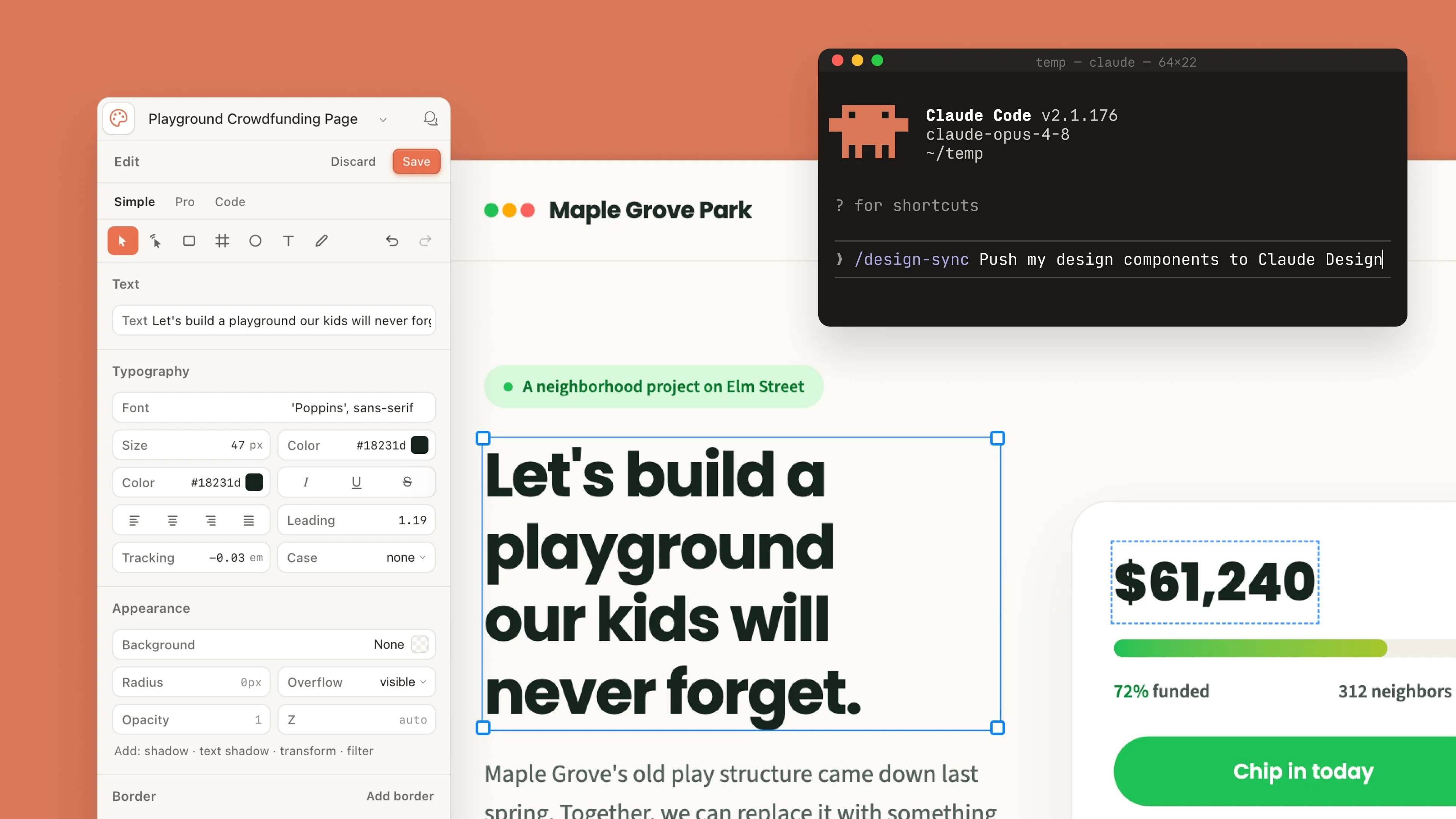
Claude Design Beta: On-Brand Mockups From Your Repo
Anthropic's Claude Design beta turns your repo into on-brand mockups. Here is...
Figma Plugins That Save You Real Time in Design Work
A practitioner roundup of figma plugins for content, contrast, icons, tokens, and...
Penpot vs Figma 2026: Is the Free Rival Good Enough?
Is Penpot good enough to replace Figma in 2026? Native design tokens,...
Figma vs Canva in 2026: Which Design Tool Is Right?
Figma or Canva? Designers need prototyping and dev handoff. Marketers want drag-and-drop...
Best UI Design Tools in 2026: Figma, Sketch, and Penpot
Best UI design tools 2026 compared, Figma vs Sketch vs Penpot on...