The single biggest search term in this space, intelligent frame creation, pulls tens of thousands of people a month who mostly want the same thing: a tool that turns an idea into moving frames without a week in After Effects. So which of the AI frame and motion tools actually delivers, and which just demos well? The gap between the marketing reel and the Tuesday-afternoon reality is wide.
Here's the short version before the detail. These tools are excellent at generating raw material and terrible at direction. Knowing which job you're handing them is the whole game.
TL;DR: AI frame and motion tools like Runway, Sora, Kling, and Luma are fast at generating raw material such as background plates and concept frames, but weak at direction, timing, and brand fit. Use them as a sketchpad, then finish editable, on-brand motion in a real tool.

What Is Each AI Frame and Motion Tool Actually For?
The category splits into two camps. Text-to-video generators create clips from a prompt. Assist tools speed up specific steps inside an existing pipeline. Lumping them together is how people end up disappointed.
| Tool | Best at | Output | Watch out for |
|---|---|---|---|
| Runway Gen-3 | Text and image to video with an editing surface around it | MP4 clip | Credits burn fast on iteration |
| OpenAI Sora | Coherent longer shots, complex scenes | MP4 clip | Access and cost vary by tier |
| Kling | Realistic motion for the price | MP4 clip | Prompt control is looser |
| Luma Dream Machine | Fast, cheap concepting | MP4 clip | Quality dips on complex motion |
| StyleFrame-type tools | Artistic control over a single frame | Frame or short loop | Narrow use case |
Notice the output column. Every one of these hands you flat video, not editable layers. That matters more than any quality difference, and it's the point most roundups skip.
Prices tell the same story. Runway Gen-3 ran me about 76 dollars a month on the Standard plan the last time I checked, and the credits vanish faster than you'd guess once you start iterating on a single shot. Kling's paid tier sits lower, closer to 10 dollars for a starter bundle, which is why I reach for it when a client wants twenty rough options by Thursday morning. Sora access still depends on your ChatGPT tier, so the real cost swings with what you already pay OpenAI. Luma Dream Machine stays the cheapest for quick tests and quiet failures. None of that changes the core limit, though. You're paying for renders, not for control, and control is the thing a paying client actually notices.
Where Do These Tools Fit a Designer's Workflow?
The realistic pipeline isn't AI or a motion tool. It's both, in order. You generate a background plate, a rough motion study, or a batch of concept frames with AI, then you take the parts that need brand precision into a proper tool. AI does the sketch; a designer does the direction. How that plays out on a real styleframe, including where a generated frame starts to mislead a client, is covered in the AI styleframe workflow. For the production stages that come after the concept frames, the motion graphics production workflow runs from brief to delivery.
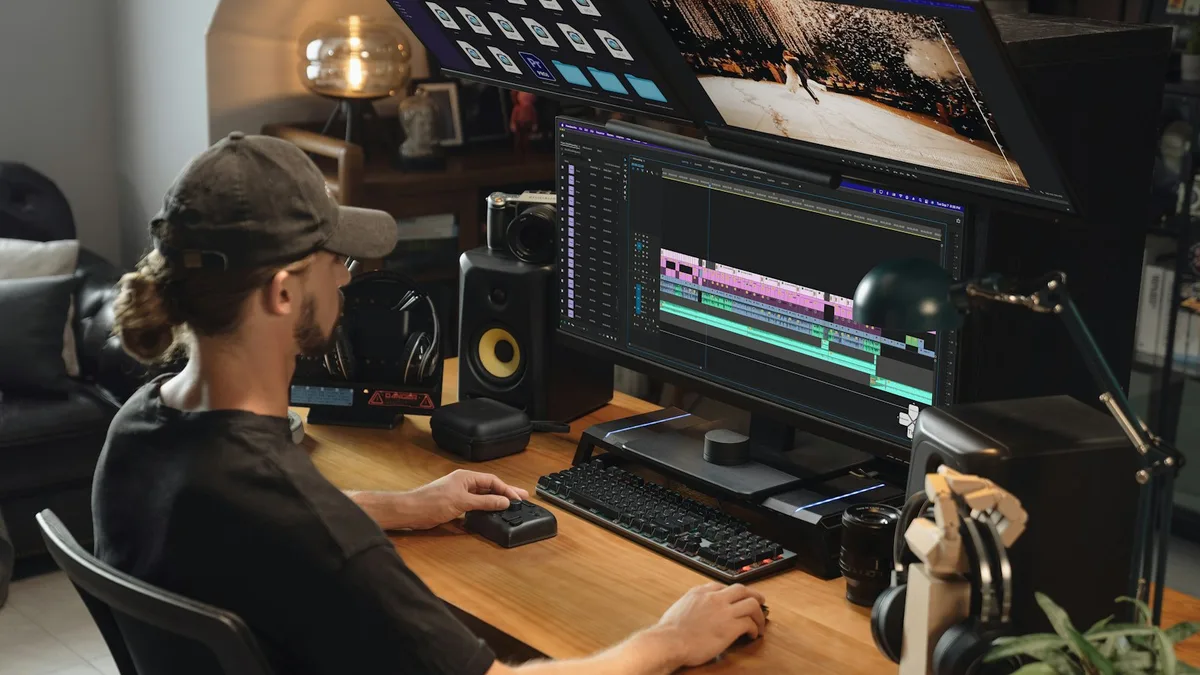
AI frame tools are a faster sketchpad, not a director. They generate raw material, not finished, on-brand motion.
If your work spans design straight through to shipped animation, this pairs directly with the tools we already recommend in the best UI design tools comparison, and for the frame-accurate motion side, the motion design tools for UI designers guide covers After Effects, Rive, Cavalry, and Lottie, the tools that give you editable, retimeable output AI can't. If you've already narrowed it to the two web-native contenders, the Rive vs Cavalry comparison picks the right one by use case.

What Are the Honest Limitations?
Three things trip people up every time.
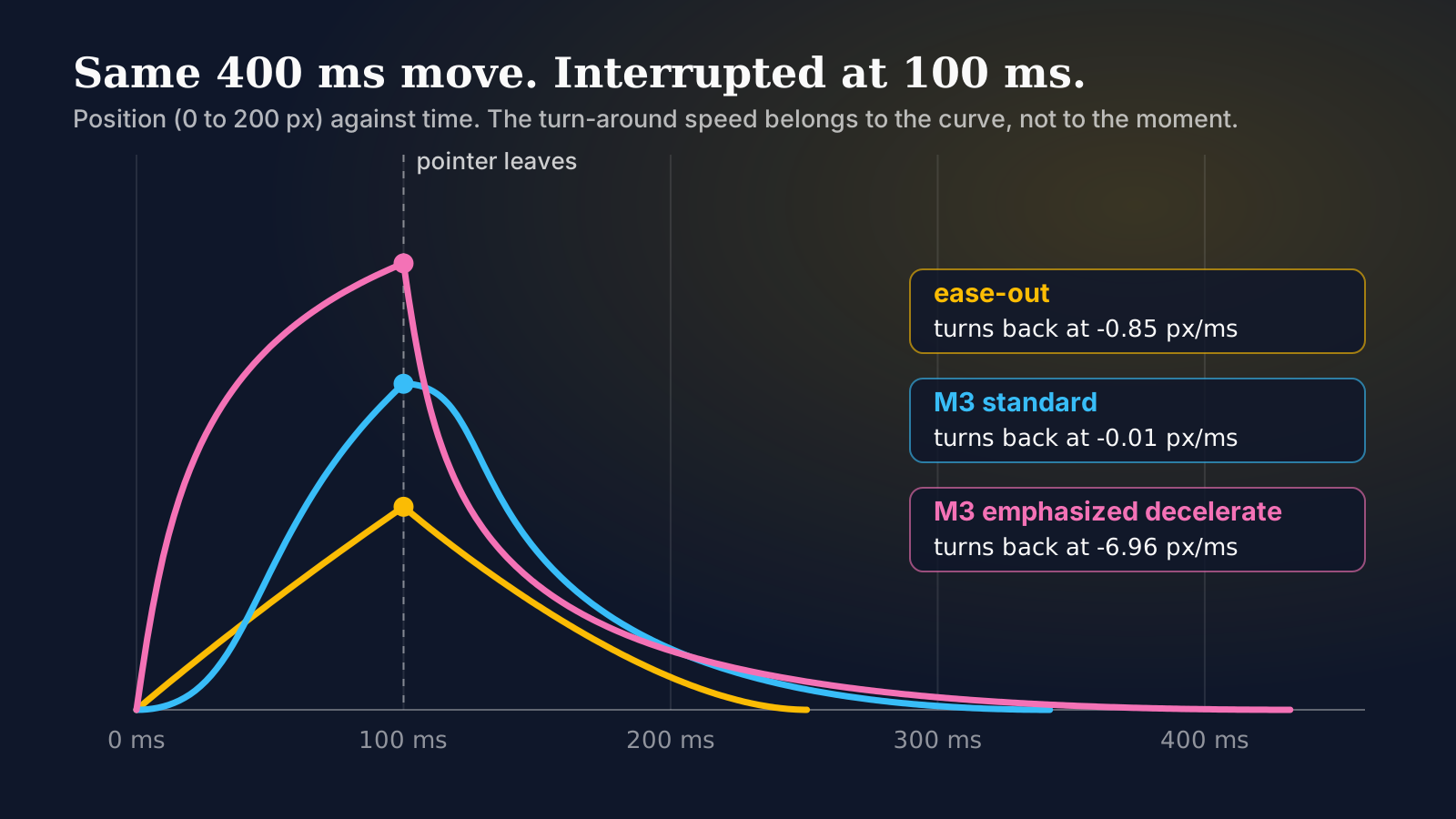
First, coherence over time. AI is good at a two-second clip and shaky at ten seconds, where objects morph and physics wobble. Second, control. You can nudge a prompt, but you can't tell the tool "the button scales 8 pixels then settles at 200ms ease-out." That precision lives in a motion tool. Third, brand fit. A generated clip has no memory of your color tokens, your easing curves, or your logo's safe area.
Here's the typical failure. Take a slow push-in on a glass product bottle under soft studio light. A generator gives you a gorgeous two-second clip, then label text melts into gibberish letters, or the camera drifts in a direction you never asked for. None of them can hit an exact 200ms settle on a reveal. That's not a bug you prompt your way out of. It's the ceiling of the current tools, and pretending otherwise just wastes an afternoon.
There's a fourth trap that costs teams the most, and it's subtler: the editable-layers gap. When a client asks for "the same clip but the blue is our brand blue and the reveal lands half a second later," a flat MP4 can't do that. You regenerate from scratch, roll the dice again, and hope the new take doesn't introduce three new problems. A real motion tool would let you nudge one keyframe and re-render in seconds. So the more revision rounds a project needs, the worse the AI-only route gets. Reserve generation for the shots that won't change much and hand the fussy, client-facing beats to a tool where you own every layer.
So do these tools save time? Genuinely, yes, on the right task. Rotoscoping that used to eat an afternoon takes minutes. Ten concept directions that used to be a day are a coffee break. That's a real win. Just don't ask a generator to be the art director, because it will confidently give you something plausible and wrong.
One more thing worth saying out loud, because the hype cycle keeps burying it. The quality floor rose fast over the last two years, and it'll keep rising. But the control ceiling barely moved. A 2026 generator makes a far prettier bad take than a 2024 one did, and it's no better at hitting the exact spec a paying brand signs off on. If you're betting a workflow on these tools, bet on the parts that reward speed and volume, not the parts that reward precision. That line hasn't shifted, and I don't expect it to this year.
How Do You Pick One This Week?
Start from the job, not the brand name. Need quick concepts to show a client? Luma or Kling, cheap and fast. Need the most usable editing surface around the generation? Runway. Need one longer coherent hero shot? Try Sora and Kling on the same prompt and keep the winner. Need artistic control over a single styleframe rather than full motion? That's a different tool entirely, and honestly a different task.
My take after months of this: the teams getting compounding value treat AI as the first draft and keep a human on the timing. The ones chasing a one-click final render keep redoing the render. Pick the tool that fits the step you're actually on, generate more takes than feels reasonable, and bring the keeper into a real pipeline for the finish.