Motion design tools for UI designers are the apps that turn interaction ideas into animations developers can actually ship, from Figma Smart Animate for simple transitions to After Effects for complex sequences. The best choice is the simplest tool that communicates your intent clearly.
A UI designer asking "should I learn After Effects" in 2026 is asking the wrong question. The right question is "what is the minimum tool I need to specify motion clearly enough that developers ship it correctly." That answer is almost never After Effects.
I came up through motion design before crossing over into UI work. The tools I use today are very different from the tools I used five years ago, and they're radically different from what I'd recommend a UI designer learn first. This guide is what I wish I'd been told before spending six months on After Effects tutorials I never used in shipped product.
TL;DR: UI designers crossing into motion should learn Figma Smart Animate first (70% of needs), then Rive (interactive state-based motion), then Cavalry (vector animation for web). After Effects is rarely needed unless your work crosses into broadcast or long-form video.

What Does a UI Designer Actually Need a Motion Tool For?
Four use cases dominate UI motion work:
- Micro-interactions, button hovers, focus states, validation feedback. Tool: CSS transitions or Motion One. No animation tool needed.
- Page transitions and modal entries, elements appearing, disappearing, moving between layouts. Tool: Figma Smart Animate for specification, CSS or Framer Motion for implementation.
- Interactive animations, loading spinners that morph into checkmarks, icons that animate based on data state. Tool: Rive for design, Rive runtime for implementation.
- Brand motion and narrative video, product launch animations, explainer videos, animated logos. Tool: After Effects or Cavalry for design, Lottie or video file for delivery.
The first two use cases are 70 percent of typical UI work. They don't need a dedicated motion tool, just a runtime decision between native CSS and a JavaScript library; the CSS vs GSAP comparison walks through when each one wins, with mid-tier mobile benchmarks. GSAP going fully free in 2026 shifted that math, and the new license terms spell out what you can ship now. The third is 20 percent and is where Rive earns its keep. The fourth is 10 percent and is where After Effects or Cavalry come in, and if After Effects feels like too much weight for the job, Jitter is the browser-based alternative worth weighing first.
Most UI motion needs no dedicated tool at all, just CSS.

How Do the Five Major Tools Compare?
| Tool | Best for | Learning curve | Web export | Lottie support | Real-time preview | Annual cost |
|---|---|---|---|---|---|---|
| Figma Smart Animate | UI prototypes, modal entries, page transitions | Days | Spec only, no runtime | None | Yes, in prototype mode | Included in Figma |
| CSS / Motion One | Micro-interactions, simple transitions | Days | Native | Plays via lottie-web | Browser is the preview | Free |
| Rive | Interactive motion, state-based animation | Weeks | Native (Rive runtime) | None, own format | Yes, state machine live | ~$15/mo |
| Cavalry | Vector motion for web, broadcast-light work | Weeks | Lottie export | Full, first-class export | Yes, viewport playback | Free or paid |
| After Effects | Broadcast, narrative video, complex motion | Months | Lottie export | Via Bodymovin plugin | RAM preview, not live | Adobe CC ~$20/mo |
Figma Smart Animate, start here
Figma's built-in prototype animation handles enter/exit transitions, layout changes, and most micro-interactions. The same file serves as the design spec and the developer reference. Smart Animate has limitations, complex easing, non-linear paths, runtime state changes, but it covers more than most UI designers realize before they try.
Rive, the right second tool
Rive is built for interactive motion. Its state machine model fits how UI motion actually works: an icon has multiple states (idle, loading, success, error), transitions between states happen based on runtime conditions, and the same animation needs to behave correctly regardless of which state preceded it.
Rive's learning curve is genuinely shorter than After Effects's because the conceptual model fits UI work natively. A UI designer who's ever specced a button's hover/focus/active states already understands state machines without realizing it.
The right-sized projects to start with: a loading indicator with success/error end states, an animated icon that responds to scroll position, a hover effect that needs more than CSS can do.
Cavalry, for vector motion work
Cavalry sits between Rive and After Effects. It's vector-based, runs in the browser as well as desktop, and exports to Lottie cleanly. The mental model is closer to After Effects than Rive (timeline-based, not state-based), but the learning curve is much shorter, the docs assume web-first thinking, not film-first.
Use Cavalry when you need motion polish (easing per element, frame-by-frame timing) but the final output is web vector animation, not video. Good fit for: animated product demos, hero motion on landing pages, vector-based explainer content. Torn between the two? The dedicated Rive vs Cavalry comparison settles it with prices, file sizes, and the failure modes of each.
The best UI design tools comparison covers Cavalry's static-design siblings (Figma, Sketch, Penpot) for the other half of the workflow.
After Effects, only if you need it
After Effects is still the most powerful motion tool. It's also the most expensive to learn relative to what UI work actually needs. For UI designers, AE makes sense only in three cases:
- You ship narrative video alongside UI work (product launch videos, brand films).
- You work with motion designers who use AE and need to read their files.
- Your team has historic After Effects assets that need maintenance.
For everything else, the more web-native tools fit better. The After Effects learning investment is months; the Cavalry or Rive equivalent is weeks. Choose deliberately. If you land in one of those three cases, Adobe's single-app plan is the one to price up rather than the full Creative Cloud bundle, which only pays off once you're opening three or four of its apps.
Lottie, the file format you target, not a tool you learn
Lottie isn't an animation tool. It's a JSON file format that After Effects (via Bodymovin), Cavalry, and Rive can all export to, and that browsers consume via the lottie-web player.
You don't "learn Lottie." You learn one of the design tools above, then export to Lottie when your motion needs to ship to a browser. The friction with Lottie is the export gap, complex AE features don't survive export, which is why testing the export at the styleframe phase matters. See From Styleframe to Working UI for that pipeline.
Which Tool Do Motion Designers Featured at AOSF Use?
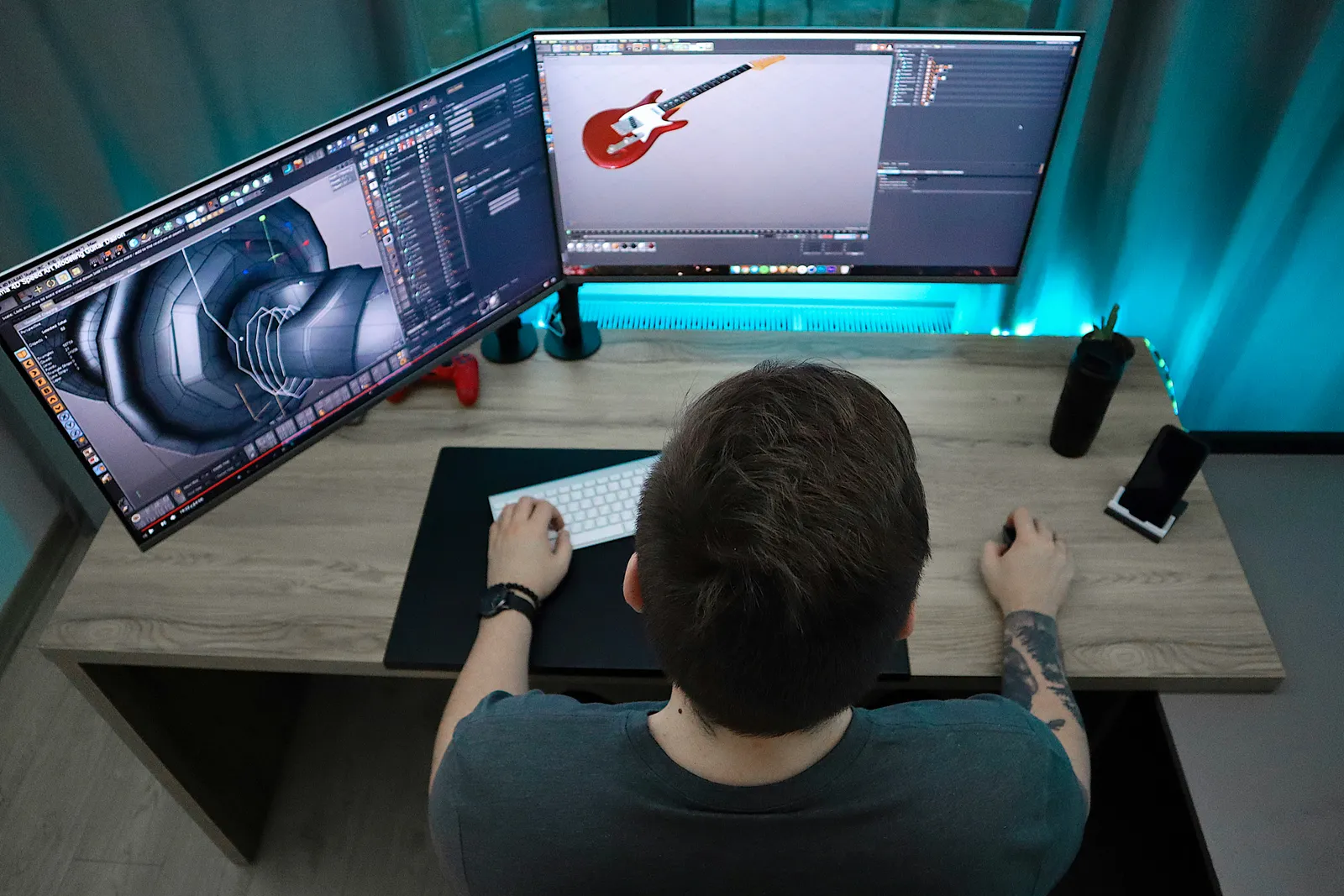
The motion directors featured in our designer profiles, Andrea Braga, Guillaume Combeaud, work primarily in After Effects with Cinema 4D for 3D work. That toolchain makes sense for broadcast and title sequence work - see the Adidas broadcast package and the MTV VMA broadcast package for what the After Effects + Cinema 4D pairing actually ships.
For UI work specifically, that toolchain is overkill. The crossover advice from motion to UI is to deliberately downshift tools: After Effects is the wrong choice for shipping interface motion, not because it can't do it, but because the rest of the pipeline (developer handoff, runtime performance, accessibility) doesn't benefit from its strengths. Compare against the Weissarik web system styleframes, where the tooling shifts toward Rive and Cavalry the moment the delivery target is the browser.
What's the Right Learning Sequence?
If you're a UI designer crossing into motion, this is the order:
- Master Figma Smart Animate. Two weekends. Build five prototype interactions. This covers most of your needs.
- Learn CSS transitions and Motion One. Two weekends. Build five micro-interactions in code. This makes Smart Animate specs implementable.
- Pick Rive. One month of building small interactive animations. This unlocks the interactive 20% of UI motion.
- Optionally pick Cavalry. One month if you do vector-heavy work. Skip if you don't.
- Optionally pick After Effects. Months. Skip unless you cross into broadcast or narrative video.
Most UI designers I know who tried to learn After Effects first abandoned motion entirely. Most who started with Smart Animate and then Rive built a sustainable motion practice. So why does the order matter more than the tool itself? Because each step builds the muscle the next one needs, and skipping straight to the hardest tool just teaches you to quit.
For the bigger picture of how motion design and modern interface design connect, see Visual Hierarchy in Motion Graphics and the styleframes gallery for examples of motion intent at work. If your motion needs live upstream of the canvas entirely, generating raw frame and video footage rather than animating a UI, the AI frame and motion tools roundup covers Runway, Kling, Sora, and Luma.
Every tool in that sequence is a way to express timing, spacing and weight, and none of them teaches those. The one reference that does was written for hand-drawn animation, which is exactly why it outlasts whichever app you end up in.