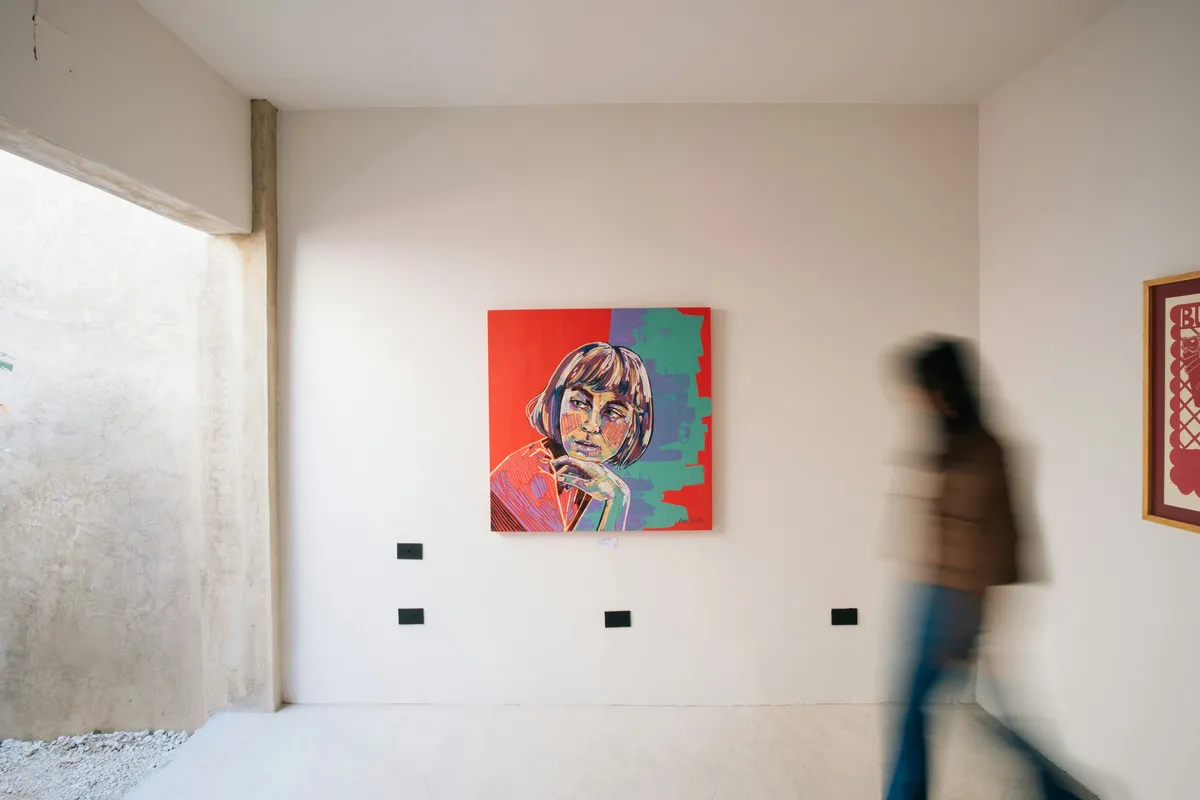
Ask ten motion designers what a styleframe is and you will get ten answers that circle the same idea without quite landing on it. So let me be direct. A styleframe is a single still image that shows exactly how a finished piece will look at one carefully chosen moment, rendered to full visual quality before any animation happens. It is a screenshot from a film that does not exist yet. That is the whole concept, and getting it right is one of the highest-impact things a designer can do on a project.
You will see it written both ways, styleframe and style frame, and nobody has ever settled it. Studios lean toward the closed-up single word, job ads and briefs often split it in two, and the two spellings mean exactly the same thing. Don't read a distinction into the space. If a brief asks you for three style frames, it is asking for three styleframes.
The name is ours, more or less. This is Art of Styleframe, and the discipline sits at the center of everything we cover, so it is worth doing the definition justice rather than leaving it to a caption somewhere. If you want to see the concept in practice rather than in theory, our styleframe examples gallery collects real frames pulled straight from working designers' portfolios.
TL;DR: A styleframe is a single still image, rendered to full visual quality, that locks how a finished motion piece or interface will look at one chosen moment. Teams build one before animation or engineering starts, so approving the frame means approving the look and the expensive work executes an agreed target instead of guessing.
Why Does a Styleframe Exist?
Animation is expensive. Not just in software time, but in the cost of being wrong. If a team animates thirty seconds of a piece and the client then says the whole look feels off, that work is gone. The styleframe exists to move that conversation to the front, when changing direction costs an afternoon instead of a fortnight.
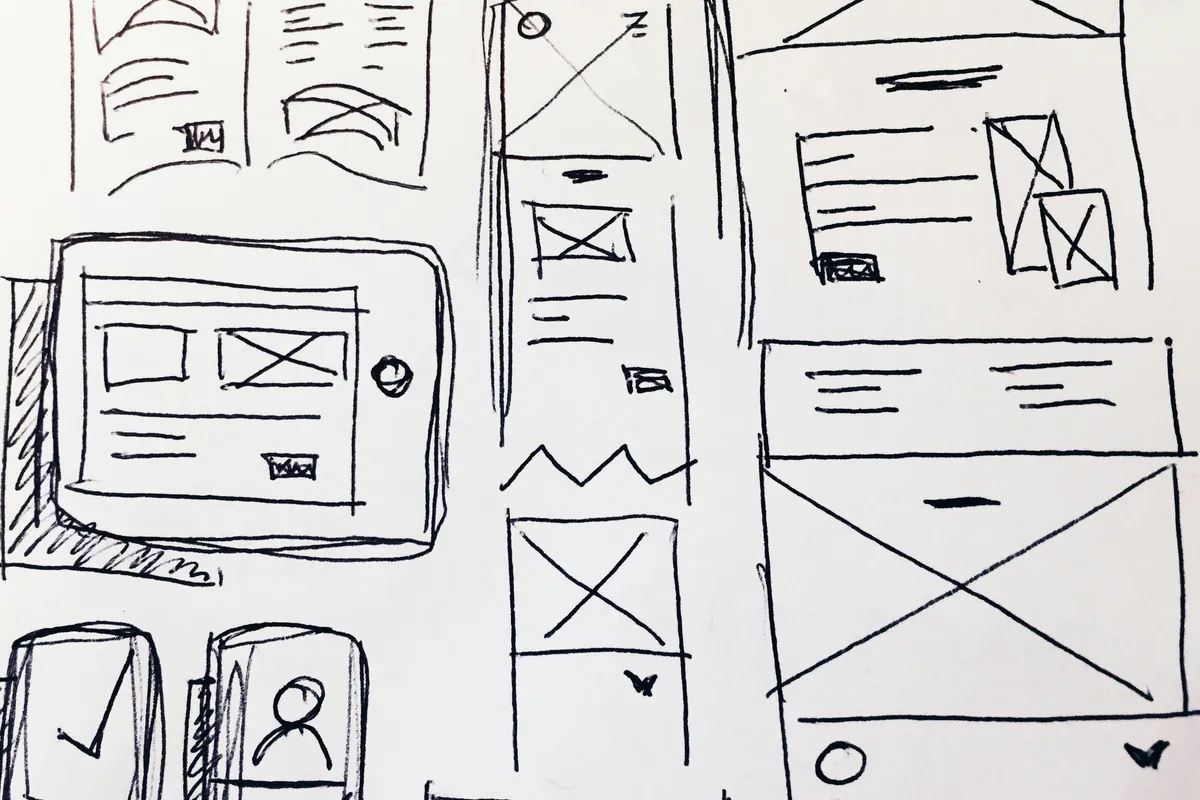
By committing the visual language to a single frame, color palette, type, texture, lighting, depth, and composition, you give everyone a concrete thing to approve or reject. Approval of a styleframe is approval of the look. From that point, animation becomes a question of bringing an agreed image to life, not of inventing the image one frame at a time while stakeholders watch nervously. That shift, from open-ended exploration to executing a locked target, is the entire value. When the people approving are spread across time zones, the remote motion collaboration stack shows how teams run that approval asynchronously.
A styleframe is the cheapest place to be wrong, because approving one still means approving the whole look before a single expensive second gets animated.
What Goes Into a Strong Styleframe?
A styleframe is not a mood board, and the difference matters. A mood board collects references and vibes. A styleframe commits. Every decision is made and visible:
- Color and light. The actual palette, in the actual relationships, under the actual lighting the final piece will use.
- Typography. Real type at real sizes, set the way it will appear, not lorem ipsum in a placeholder font.
- Composition and hierarchy. Where the eye lands first, second, third. This is where a designer's grasp of visual hierarchy in UI design does the heavy lifting, because a styleframe has to lead the eye without motion to help it.
- Texture and depth. Grain, blur, glow, the material qualities that give a flat image weight.
The test of a good styleframe is simple: could an animator who has never spoken to the client open this frame and know, without asking, what the finished piece should feel like? If yes, it is doing its job. If they would have to guess at color or type or mood, it is still a mood board wearing a styleframe's name.
Timing, spacing and weight belong in that list even though a styleframe never moves, and so does the grid the composition is hung on. Both are old problems with canonical answers, and neither book has dated the way the software around them has.
Style Frames vs Storyboard: What's the Difference?
These two get confused constantly, so here is the clean split. A storyboard is about sequence, many rough panels showing what happens and when. A styleframe is about finish, one moment rendered at full quality. Storyboards answer what is the story. Styleframes answer what does it look like.
Most real projects use both, in order. Storyboard first to agree on structure and beats. Then one or two styleframes to lock the visual treatment before animation starts. Skipping the styleframe is how teams end up animating a storyboard's rough look and discovering, too late, that nobody actually approved the finished style.
| Artifact | Answers | Fidelity | When It's Used |
|---|---|---|---|
| Mood board | What's the vibe | References and vibes, not final quality | Early inspiration gathering, before anything is committed |
| Storyboard | What is the story | Rough panels, many of them | First, to agree on structure and sequence |
| Styleframe | What does it look like | Full visual quality, one chosen moment | After the storyboard, to lock the look before animation begins |
How Did Styleframes Cross Into Interface Design?
The technique was born in motion graphics, but it has quietly become one of the most useful tools an interface designer can borrow. A UI styleframe is a high-fidelity mockup of a key screen at a decisive state, rendered to production quality before prototyping and engineering begin. It settles the visual system once, so every later screen inherits a locked look instead of relitigating spacing and color one component at a time.
That crossover is the whole reason this discipline matters beyond broadcast and title design. The path a frame travels, from a still that captures the look to a working, responsive interface, is a craft in itself, and we map it step by step in the guide on the styleframe to UI designer pipeline. If your work is heading toward the web specifically, the companion piece on motion design for the web covers how that locked look survives contact with real browsers and real performance budgets.
How Do You Build One?
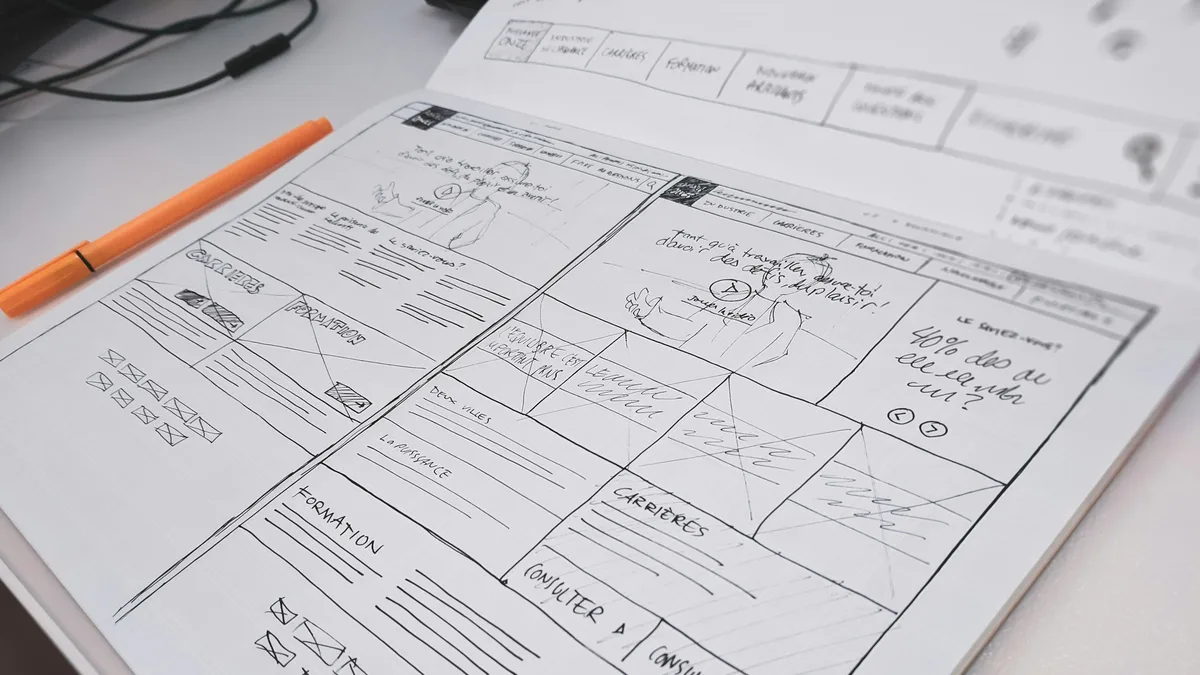
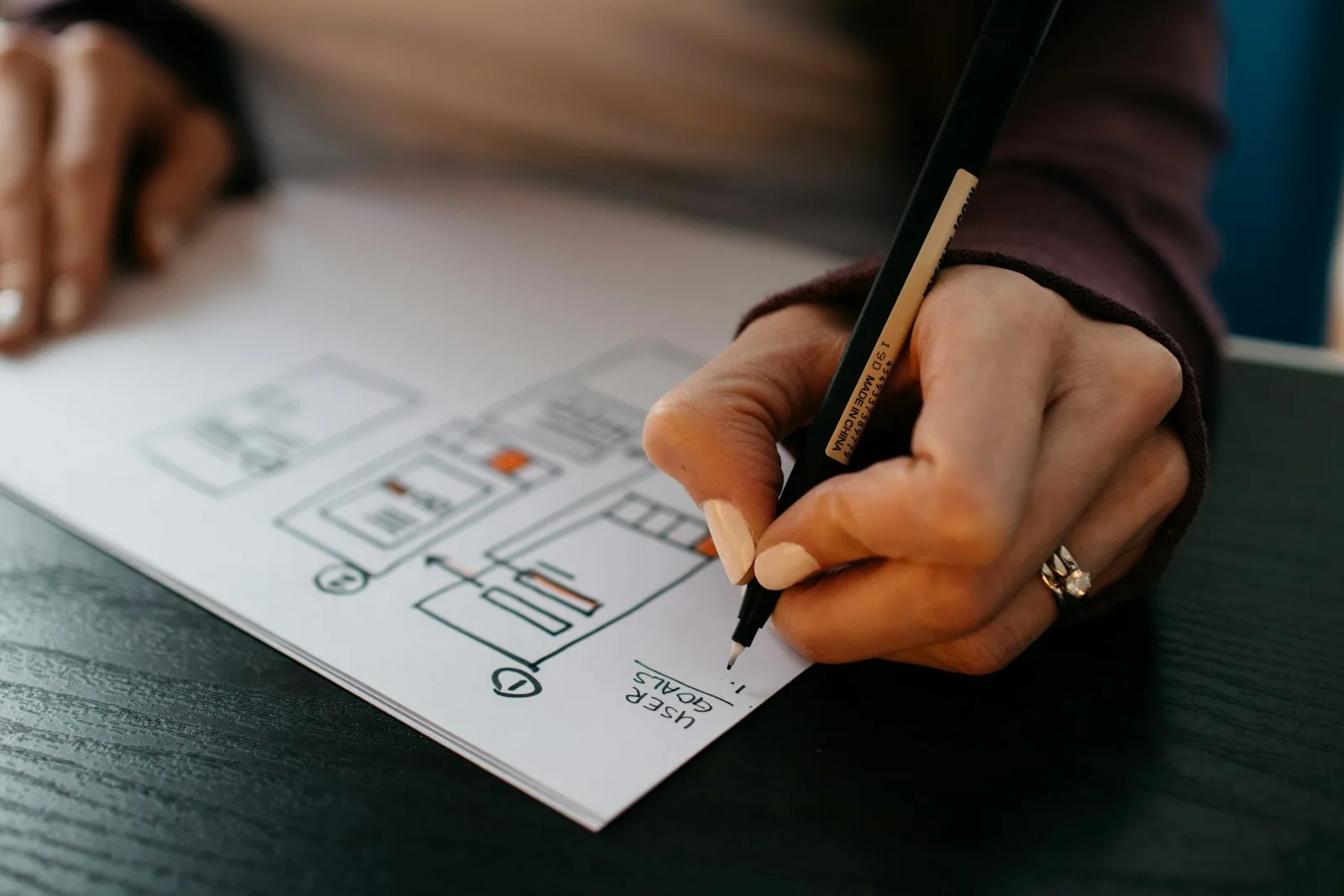
You do not need a complicated process. Pick the single most important moment in the piece, the one that carries the identity. Design that moment at full fidelity: real color, real type, real composition, real texture. Then pressure-test it by designing a second frame in a different context to prove the language holds. Present those two, get approval on the look, and only then move into animation or build.
The second frame is the step that gets skipped, and the one worth never skipping. One beautiful frame proves a moment; two prove a language. Go into animation on the strength of a single frame and the look tends to hold for a few seconds of runtime and then quietly stop being a system.
A styleframe that needs motion to excuse a weak composition is a warning sign, not a shortcut. Make the frame work frozen.
One honest caution, since we care about craft here. A styleframe that leans on motion to excuse a weak composition is a warning sign, not a shortcut. If the still does not hold up as a still, adding movement will not save it, and it certainly will not survive a viewer with prefers-reduced-motion turned on. Make the frame work frozen. The motion should reward attention, not rescue the design.
If you would rather start from something pre-built, the free brief and how to use it are in style frame templates.
What Happens to a Styleframe After It's Approved?
Approval doesn't mean the file goes straight to the animator, and that surprises people the first time. A styleframe is built in whatever reaches the look fastest: Photoshop for texture and grade, Figma for type, Cinema 4D when the light has to be real. None of those is a timeline. So the next job is a rebuild, the same frame reconstructed as a layered composition in which everything that will move sits on its own layer.
Think of the rebuild as an audit. It shows which parts of the frame were constructed and which were merely painted, and a shadow faked with a soft brush gives itself away the second the object above it slides. You can shorten the audit by building with it in mind. Keep type live instead of outlined. Put each graphic device on its own layer. Leave negative space, because that's the runway elements arrive from, and a frame packed edge to edge looks finished and animates like a wall.
The mechanics, the file checklist and the conversation worth having with the animator are in styleframe animation handoff.
Can AI Generate a Styleframe?
It can generate an image that looks like one. That isn't the same deliverable, and the gap is exactly where projects get into trouble.
A styleframe is a construction: layers, live type, a stated order of arrival. A generated image is one flat raster. Ask a model for the same frame with the logo arriving three seconds later and you won't get the same frame moved, you'll get a different frame. No better model fixes that, because the thing being produced is a picture and the thing needed is a build.
Where AI does earn a place is before the frame exists. It widens the range of directions you can show in an afternoon, it produces background plates and textures nobody needs to animate separately, and it gives a client a spread to react to, which is easier for them than describing what they want. Treat everything it makes as reference, then build the frame yourself. Prompts, disclosure to the client and the failure patterns are covered in styleframe AI workflows.
What Software Do Styleframes Get Built In?
Nobody asks that in the abstract, so here is an answer from our own library rather than from a tool vendor's pricing page. Of the 24 frames in the styleframes gallery linked above, 13 record the toolchain behind them. Cinema 4D shows up in 11 of those 13. After Effects in 9. Octane in 5, Photoshop in 4, Redshift and Houdini in 2 each, and Nuke, DaVinci Resolve and Illustrator once apiece.
The shape of that list matters more than the names in it. The dominant pairing is a 3D application to build and light the scene plus a compositing application for the grade, the grain, the type and the final polish. The renderer is a third slot, and which product sits in it looks more like a studio habit than a design decision. Swap Octane for Redshift and the frame does not change; swap the art direction and everything does.
Now notice what is missing from that list. Not one of those is a styleframe tool, because no such tool exists. A styleframe is an output, not a file format, and any application that can put a finished image on screen qualifies. That is also why the interface side of this discipline barely overlaps on software: a UI styleframe is usually built in Figma, occasionally straight in the browser, and the gallery above is a motion library, so it does not reflect that half of the practice at all.
Which one should you learn? Whichever your studio already runs. The transferable skill is composition, light and type, and none of it lives inside a particular binary. A designer who can build a frame in Photoshop alone will beat one who owns every license and cannot decide where the eye should land first.
One thing does live outside the software, though: the screen you grade on. A styleframe is a promise about color and light, and that promise is only worth what the monitor showing it can be trusted to reproduce. A wide-gamut, factory-calibrated panel is the difference between signing off a look and signing off whatever your particular laptop happened to render.
What's the Takeaway?
A styleframe is the cheapest place to be wrong and the best place to get the look right. One committed still, made before animation, that turns an open-ended creative gamble into an agreed target. Master that single frame and the rest of the process, the animation, the handoff, the build, inherits a clarity that no amount of downstream polish can fake.
For real frames worth studying against everything above, see styleframe examples that actually work. And if a mood board would serve the brief better than a single committed frame, styleframe vs mood board covers how to tell which one the project actually needs.