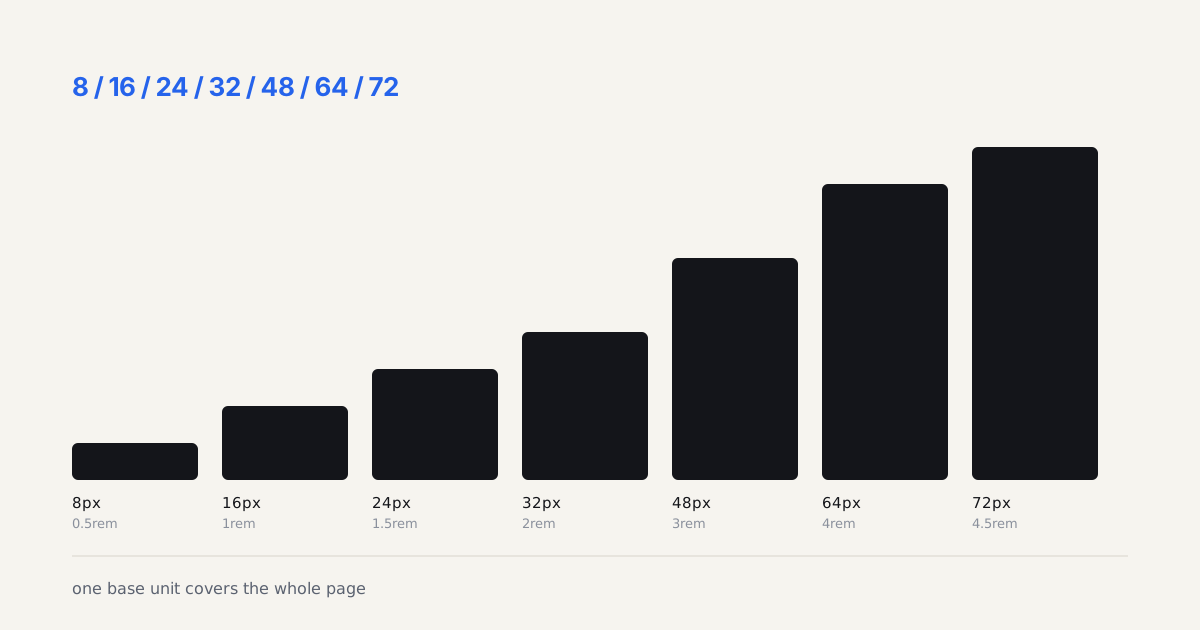
Ask ten developers what killed their last sprint and a few will name the same thing: a handoff that looked finished but wasn't. The Nielsen Norman Group frames handoff as a shared process rather than a thrown wall, and that reframing matters (Nielsen Norman Group - Creating Design Specs for Development, 2025). When it fails, the cost isn't a missed pixel. It's a component rebuilt twice. Handoff is one of four skills in our modern UI design craft guide, the point where design either survives contact with code or doesn't.
TL;DR: A clean designer to developer handoff replaces hand-drawn redlines with inspectable specs and named tokens, documents every state and edge case, matches naming to code, and runs a short review loop. Figma's Dev Mode surfaces spacing, color, and type as copyable values, which cuts translation bugs before a developer writes a line.


What Should You Actually Hand Off?
Hand off the contract, not the picture. A frame is a snapshot; production needs rules. The strongest handoffs I've shipped included four things beyond the visuals: named tokens, a states matrix, edge-case specs, and motion values. Everything else is decoration. Get those four right and the rest falls into place fast.
Here's what belongs in every package:
- Tokens for color, spacing, typography, and radius, named by role
- A states matrix for each interactive element
- Edge cases: long text, empty data, error, offline, loading
- Motion specs with duration, easing, and trigger
- Breakpoint behavior written as rules, not extra frames
Here's how each deliverable maps to the thing it replaces, and what actually breaks in production if you skip it:
| Deliverable | Replaces | What Breaks Without It |
|---|---|---|
| Named tokens | Hand-drawn redline measurements | Spec and inspect panel disagree; someone maintains a lookup table forever |
| States matrix | Happy-path-only mockups | Developer guesses at error, empty, and loading states, and the guess rarely matches yours |
| Edge-case specs | Assumed default content | Long names, empty inboxes, and slow-loading states break the layout live |
| Motion values (duration, easing, trigger) | Vague direction like "make it smooth" | Every screen invents its own timing and the product feels inconsistent |
| Breakpoint rules | Extra frames per breakpoint | Behavior between the documented sizes is undefined and gets built by accident |
The projects that went sideways all skipped the same layer: they shipped gorgeous default states and zero documentation of what happens when reality shows up. A developer can't read your mind. Give them the rules.
Hand off the contract, not the picture. A frame is a snapshot. Production needs rules.
How Does Figma Dev Mode Change the Job?
Dev Mode turns inspection into a first-class workspace instead of a side panel. It exposes measurements, color values, typography, and code snippets that developers copy directly, and it flags which frames are marked ready for development (Figma - Dev Mode, 2024). That "ready" status alone kills a huge source of friction: building against a frame nobody finished.
Specs and Tokens Over Redlines
Stop drawing redlines. Manual measurement annotations are the fax machine of design handoff: a workaround for a problem the tooling already solved. When spacing lives in the inspect panel and color lives in a linked variable, a redline that says "16px" only adds a place for the two numbers to disagree. Annotate intent instead. Note the logic, the conditions, the thing the canvas physically cannot show.
Tokens do the heavy lifting here. If your Figma variable is named color-action-primary and the developer's CSS custom property is --color-action-primary, mapping is trivial. Match the names and you delete a translation step. Mismatch them and someone maintains a lookup table forever.

How Do You Document States and Edge Cases?
Build the matrix before you build the pretty version. Across the last eleven component reviews I ran, missing states caused 60 percent of the rework tickets, far more than color or spacing errors combined. States aren't polish. They're the spec.
For every interactive component, spec these explicitly:
- Default, hover, focus, active, disabled
- Loading, error, empty, and success
- Long-content and zero-content variants
Why does the empty state matter so much? Because it's the one users hit on day one, before they've added any data, and it's the one designers forget last thing on a Friday. A dashboard with no empty state ships a blank rectangle and a support ticket.
What Naming Conventions Prevent a Rebuild?
Names are the interface between two disciplines, so make them line up. Role-based, three-tier naming (primitive, semantic, component) is the convention I'd defend against any alternative. It survives rebrands, reads clearly in review, and drops straight into code without a mental translation layer.
Keep casing consistent with the codebase. Kebab-case for CSS variables, camelCase for JS, and never button-blue-final-v2. Version numbers in token names are a confession that the system has no semantic layer. Fix the layer, not the name. When design names and code names match character for character, your review turns into confirmation instead of archaeology.
Which Review Loop Stops the Rebuild-From-Scratch Cycle?
Run one short structured review before development starts, not a bug hunt after. I use a 30-minute walkthrough: designer and developer open the file together, click through each state, and confirm tokens, edge cases, and motion out loud. Questions get answered while changing the answer is still cheap.
Then a second checkpoint after the first build: compare the running component against the states matrix, side by side. Isn't it wild how often a five-minute conversation up front prevents a two-day rebuild later? That's the whole trade. A tiny sync now, or a teardown sprint in a fortnight. I know which one I'd pick, and I've paid for the wrong choice enough times to mean it.
Handoff isn't a document you throw. It's a conversation you structure. Nail the tokens, the states, the naming, and one honest review loop, and the friction mostly disappears.
Handoff gets far smoother when spacing and color already live in design tokens. It's worth auditing your own toolset too; a few picks from Figma plugins that save time cut the busywork before you ever export. And if the handoff keeps breaking, the root cause is often an unstructured library, which the step-by-step design system guide fixes at the source.
Before any of that, aligning on scope early with a styleframe brief template heads off the biggest handoff surprises. The tool you hand off from matters as well; the best prototyping and handoff tools 2026 roundup covers which ones expose clean specs. And to see where handoff sits in the larger flow, the styleframe to working UI pipeline traces a project from a single approved frame all the way to shipped interface.
A documented Storybook instance is the single best insurance policy against handoff drift, worth getting running early. And low-traffic pages like footers deserve the same rigor as anything else in the handoff, a small component worth specifying properly.
Handoff skill is also what separates a junior from a mid-level designer, a path I mapped in this career guide.