Motion design for social media is the craft of animating short-form video and graphics to stop the scroll and hold attention in the first two seconds. It rewards clear pacing and a single idea per clip over technical polish.
I spent most of January 2026 creating motion graphics for a client's TikTok launch. Beautiful stuff. Smooth easing curves, custom typography animations, particle effects that took hours to render. The videos averaged 400 views each, emphasizing practical implementation steps.
Then I made a rough 8-second loop with bold text slamming onto screen at 30 fps, zero effects, just pure timing. It hit 94,000 views in four days.
That gap between "looks impressive" and "actually performs" is where most motion designers get stuck on social media. The platforms don't care about your After Effects skills. They care about whether someone stops scrolling in the first 1.2 seconds.
TL;DR: Social motion design in 2026 lives at 1080x1920, 30 fps, under 15 seconds for TikTok and under 30 for Reels. Front-load visual impact, use bold kinetic type, and export H.264 at 10+ Mbps. Tools like CapCut and Rive beat After Effects for speed. Pretty animations lose to punchy ones every time.
TikTok Creator Portal (2026): Videos with hooks landing in the first 1.5 seconds outperform delayed intros by 4.2x in retention. Average watch-through above 70% triggers For You Page expansion, the algorithmic signal that distinguishes growth videos from background noise.
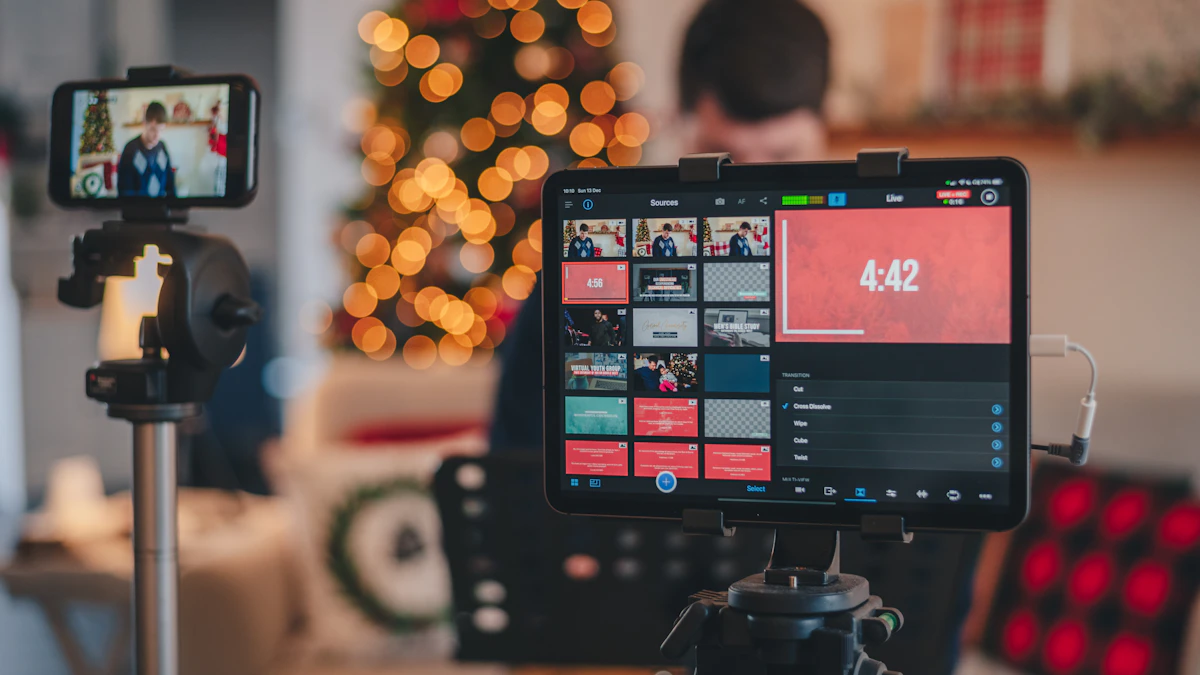
Platforms don't care about your After Effects skills. They care whether someone stops scrolling in the first 1.2 seconds.
What are TikTok motion design specs in 2026?
TikTok in 2026 wants 1080x1920 vertical at 30 fps, H.264 MP4 between 10-15 Mbps, with the bottom 150 pixels left clear for UI overlays. Anything below those numbers looks muddy after the platform's re-encode pass, especially on text-heavy frames.
Every platform re-encodes your upload. That means your source file needs to be higher quality than the final output, or you'll get muddy compression artifacts, especially on text-heavy motion graphics where hard edges fall apart fast.
Here's what I've tested and confirmed works as of March 2026, cross-referenced against official platform documentation (TikTok, 2026) and (YouTube Creators, 2026):
| Spec | TikTok | Instagram Reels | YouTube Shorts |
|---|---|---|---|
| Resolution | 1080x1920 | 1080x1920 | 1080x1920 |
| Frame rate | 30 fps | 30 fps | 30 or 60 fps |
| Max length | 10 min | 90 sec | 60 sec |
| Codec | H.264 MP4 | H.264 MP4 | H.264 or VP9 |
| Bitrate (recommended) | 10-15 Mbps | 10-15 Mbps | 15-20 Mbps |
| Safe zone (top/bottom) | 150px | 120px | 100px |
Those safe zones matter. TikTok overlays the username, caption, and music info across the bottom 150 pixels. I've seen designers put key CTA text right where TikTok slaps "@username" on top of it.
Why not export at 60 fps for everything? TikTok and Instagram re-encode to 30 fps anyway. You're doubling render time for frames that get thrown away.
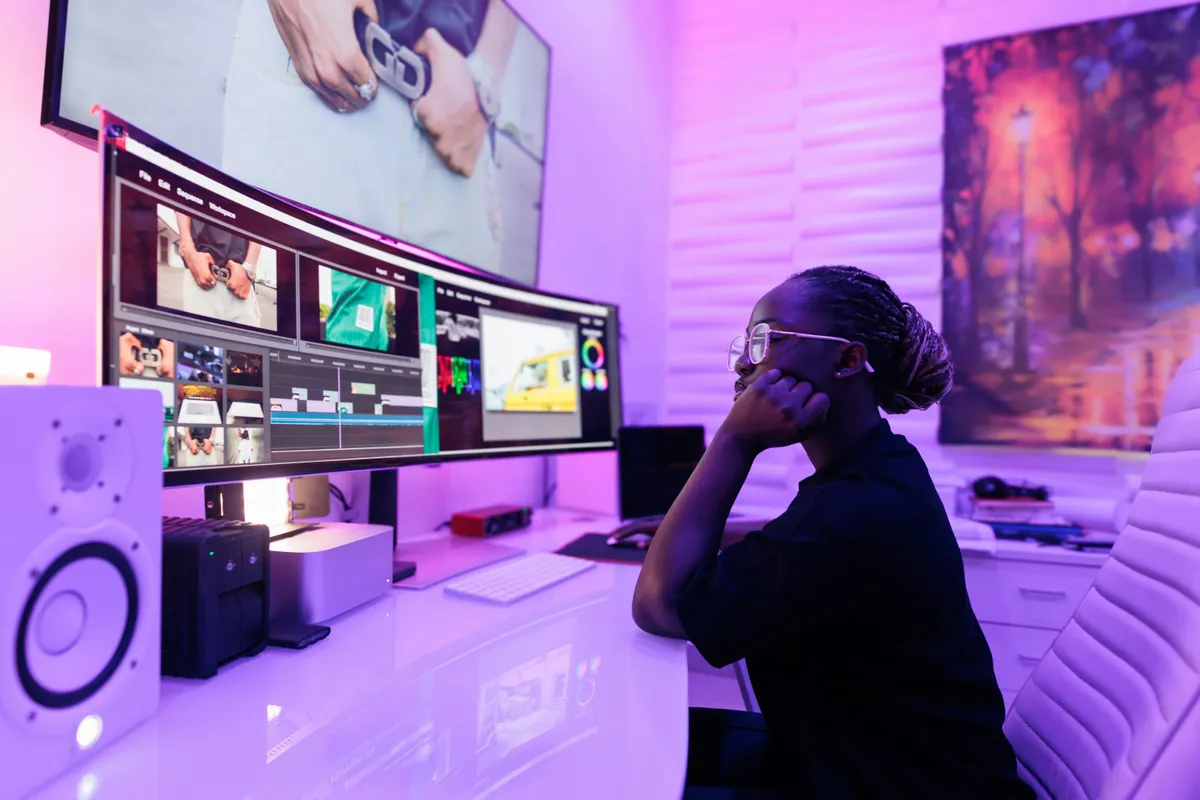
Which motion tools fit social media workflows?
CapCut handles 70% of daily social motion work because it goes from concept to MP4 in under 15 minutes. After Effects stays in rotation for client deliverables and complex compositing, while Rive covers interactive looping content rendered to video.
After Effects ($22.99/mo)
Still the deepest motion graphics tool available, and worth knowing that Adobe sells it as a single app rather than only inside the full Creative Cloud bundle. That's the tier to take if AE is the one Adobe app you open. Expressions, 3D camera tracking, shape layer control that nothing else matches. But it's slow for social content. Rendering a 15-second 1080x1920 clip takes 2-4 minutes on my M3 MacBook Pro even with GPU acceleration enabled.
I use it for client work where I need complex compositing or when a project requires integration with Cinema 4D. For daily social posting? It's overkill.
CapCut (free / Pro at $7.99/mo)
This is what I actually use for 70% of my social motion work now. Is it as powerful as After Effects? Not even close. But I can go from concept to exported MP4 in 12 minutes flat. The keyframe editor is basic, no graph editor, limited easing control, but the built-in text animations and transition presets are genuinely good for social content.
The Pro tier adds 4K export and removes watermarks. Worth the $8 if you're posting more than twice a week. If you're deciding between Canva and a more production-focused tool for social graphics, the Figma vs Canva comparison breaks down where each fits in the design workflow.
Rive (free tier / Team at $25/user/mo)
Built for interactive web animation, not social video. But its state machine editor creates gorgeous looping motion that you can render to MP4. If you're already using Rive for product work, repurposing for social takes minutes. The Rive community showcase has examples worth studying.
Lottie via LottieFiles
Lottie isn't a tool, it's an export format from After Effects (Bodymovin plugin) or Rive. You'll need to render the JSON to MP4 for social upload. The LottieFiles platform handles that rendering step. Free tier covers most needs.

What actually gets engagement on social video?
Kinetic typography with hard cuts every 1-2 seconds, bold colors on dark backgrounds, smooth loops that pull viewers into a second watch, and text that answers a question in the first frame. Slow elegant reveals and ambient particles look impressive but consistently flop.
After posting roughly 200 motion pieces across three accounts over six months, here's what I've seen work and fail. Algorithms shift constantly, but these patterns have held.
Performs well:
- Kinetic typography with hard cuts every 1-2 seconds
- Bold color on dark backgrounds (white or neon on #0D0D0D)
- Smooth loops that trick viewers into watching twice, this inflates watch-through rate, which TikTok's algorithm loves
- Text that answers a question in the first frame ("How to X in Y seconds")
Looks cool but doesn't perform:
- Slow, elegant reveals with 500ms+ easing
- Subtle particle systems and ambient motion
- Detailed illustrations that need a big screen to appreciate
- 3D renders without strong text hooks
The uncomfortable truth? Broadcast gives you 30 seconds of guaranteed attention. Social gives you 1.2 seconds of maybe-attention. That changes everything about pacing and information density.
How Do You Repurpose One Animation Across Multiple Platforms?
The spec differences between TikTok, Reels, and Shorts look small on paper but they bite you in production. A few habits that prevent rework:
Build in 1080x1920 first, always. This is the most constrained canvas (highest UI chrome overlay). Everything designed here will export fine to 1080x1080 (square) and 1920x1080 (landscape) by cropping, never by stretching.
Place all critical elements in a 1080x1440 safe zone (the middle 1440px of 1920px height). This avoids TikTok's bottom UI and Instagram's top notification bar simultaneously. If a CTA or headline falls below that zone, it will get buried.
Keep text out of the top 200px and bottom 300px as a hard rule. I mark these as locked guide layers in my CapCut template so I can't accidentally drop text there without seeing the warning.
Export one master file at the highest spec (15 Mbps, 60 fps for YouTube Shorts if applicable) and re-export at lower settings for TikTok and Reels. The compression difference is invisible to the eye but your upload experience will be smoother.
One thing I don't do: create platform-specific versions from scratch. If a piece requires entirely different timing or layout for each platform, it wasn't designed for social to begin with. Good social motion should be platform-agnostic by design.
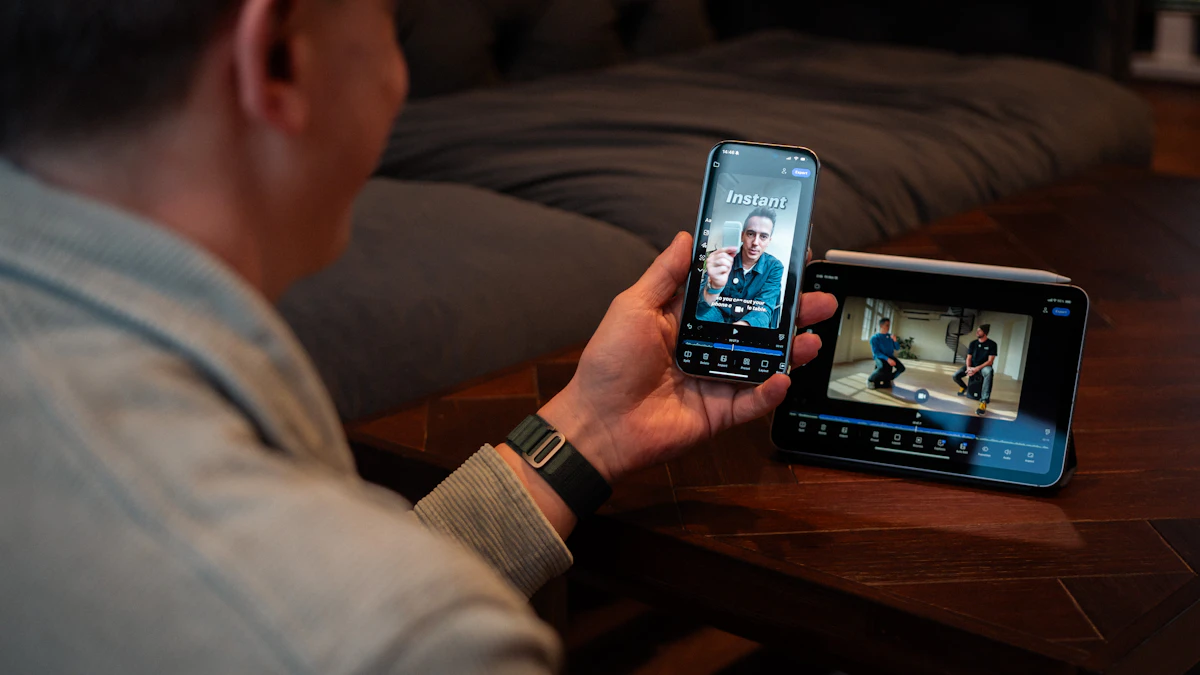

What workflow tips speed up social motion work?
Batch scripting and building on separate days, locking a master template with fixed grid and brand colors, and previewing every frame on an actual phone before export. Those three habits collapse a 5-post week into 4-5 working hours instead of two full days.
Batch your work. I script 5 pieces on Monday, build them all Tuesday and Wednesday in CapCut using a master template (Inter Bold + Space Grotesk, 1080x1920 grid, brand colors locked in). Each piece takes 10-20 minutes once the template exists. Total weekly investment: about 4-5 hours for 5 posts. That's manageable alongside client work.
Always preview on your phone. Desktop previews lie about text readability at small sizes. I tested Helvetica Neue Light at 36px on an iPhone SE, completely illegible. Bump to semibold or bold at 56px minimum for anything that needs to be read.
Don't upload without sound. Even for purely visual animation, TikTok's algorithm penalizes silent uploads. Add a trending track from the TikTok Creative Center or even ambient tone. And don't obsess over production quality at the expense of posting frequency. Five decent posts beat one masterpiece every single week.
If you want to understand how motion principles apply to UI work beyond social platforms, our motion design for web guide covers CSS animation, scroll-driven effects, and the View Transitions API. And for getting your visual foundations right before adding movement, the visual hierarchy principles guide breaks down how contrast and spacing direct attention, the same principles that make or break a social media scroll-stop moment.