I've watched two designers argue for twenty minutes about whether their spacing scale was "variables" or "tokens," and the honest answer was that they were both right, just talking about the same value from two different angles. This confusion costs real time on handoff calls, so it's worth settling clearly, once.
This guide covers exactly where each term applies, where the two overlap completely, and the practical decision of what to export and how. For the export pipeline itself, see our Style Dictionary and Figma design tokens walkthrough.
TL;DR: A Figma variable is a value stored inside Figma. A design token is a broader, cross-platform concept that a Figma variable can represent once it's exported. Use native Figma variables for anything that only needs to work inside Figma; reach for a token pipeline (Tokens Studio, Style Dictionary) the moment that same value needs to reach code.
What's the Actual Difference Between the Two Terms?
A Figma variable lives entirely inside Figma's data model, scoped to a file or a published library, and it does real work there: swap a color variable's value and every layer bound to it updates instantly, which is what makes light/dark theming or multi-brand systems fast to build. A design token is the tool-agnostic idea underneath that value, the same "color-action-primary" concept expressed once and consumed by Figma, iOS, Android, and CSS alike.
Figma's own documentation frames variables as the mechanism for representing reusable values across a file, without claiming they're automatically design tokens (Figma, 2025). That's the precise distinction: variables are the container, tokens are the cross-platform contract the container can fulfill once you export it correctly.
When Should Something Stay a Figma-Only Variable?
When the value genuinely never needs to leave Figma. Internal layout helpers, a temporary spacing value used only while exploring a layout, component-specific booleans that toggle a variant during design review, these are legitimate Figma variables that would just add noise to a cross-platform token system. Not every convenient value in a design file deserves to become a permanent, versioned token that engineering has to track.
Not every convenient Figma value deserves to become a permanent, versioned token that engineering has to track.
I keep a mental line: if changing this value would ever require a code deploy to match, it's a token candidate. If it only affects how the Figma file itself looks and behaves, it can stay a local variable indefinitely.
How Do You Turn a Figma Variable Into an Exportable Token?
Through a plugin export step, most commonly Tokens Studio, which reads your Figma variables (or its own parallel token sets) and pushes them out as a structured JSON file, ideally following the Design Tokens Community Group's format specification, which reached its first stable version in October 2025 (Design Tokens Community Group, 2025). That file becomes the input for a build tool like Style Dictionary, which fans it out into Swift, Kotlin, and CSS custom properties automatically.
| Layer | Lives in | Example |
|---|---|---|
| Figma variable | Figma file/library | color/action/primary = #2563EB |
| Design token (exported) | JSON, DTCG format | {"color":{"action":{"primary":{"$value":"#2563EB"}}}} |
| Platform output | Style Dictionary build | CSS: --color-action-primary: #2563EB; |
Where Do Spacing and Typography Fit Into This System?
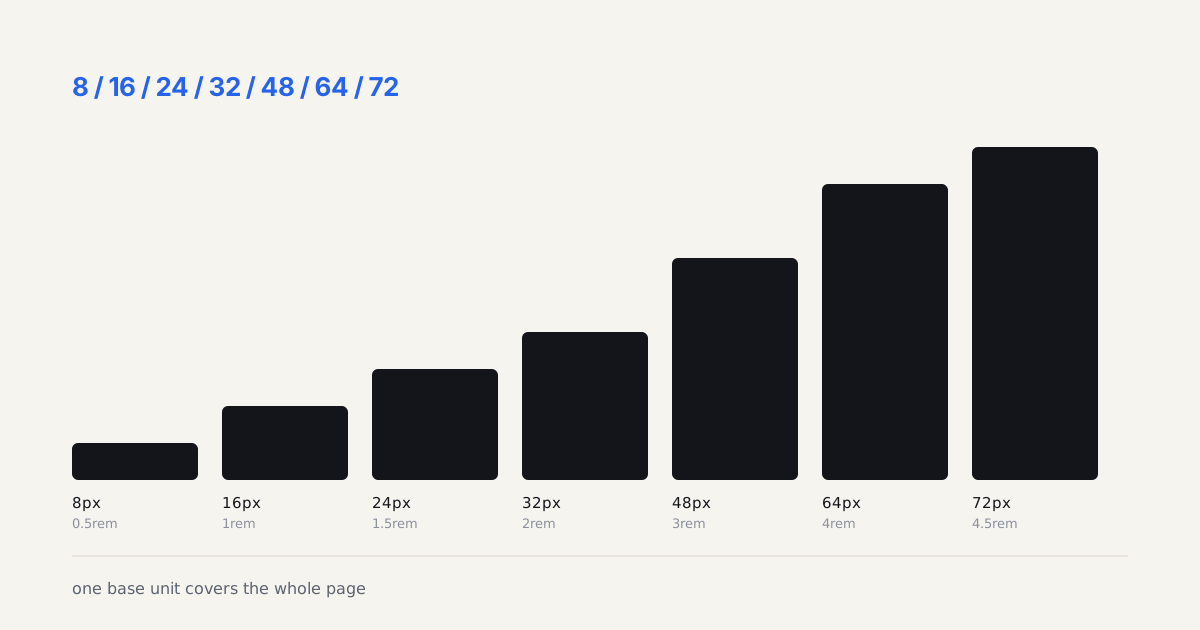
Spacing translates cleanly, number variables map almost one-to-one onto a spacing token scale, and referencing them directly in auto-layout gap and padding fields keeps the design file honest to the same scale engineering ships. Typography is messier in the current tooling generation, Figma variables bind to individual properties like font size or line-height, not to a complete composite type style the way a token system ideally wants, so most teams still hand-assemble typography tokens from several number variables rather than getting one clean "heading-lg" token out of Figma natively.
That gap is worth flagging honestly rather than pretending the tooling handles it without friction. It's the one place where the Figma-variables-to-design-tokens pipeline still needs a human checking the seams, not a fully automated export.
I learned this the hard way on a rebrand where the type scale drifted quietly between Figma and production for three sprints before anyone noticed. The color tokens synced perfectly, so the team assumed typography was covered by the same pipeline, it wasn't, and the mismatch only surfaced when a designer compared a live screenshot against the Figma file side by side. Now I add a manual typography diff check to every release checklist, because the export tooling won't catch that drift on its own.
Should a Small Team Bother With the Full Pipeline?
Not always. If you're a two-person team shipping one product on one platform, native Figma variables plus manual CSS updates might genuinely be enough, adding Tokens Studio and Style Dictionary is real infrastructure overhead that only pays off once you're maintaining more than one platform or more than one brand. The moment a second platform, a second brand, or a design system consumed by other teams enters the picture, the export pipeline stops being optional and starts being the thing that keeps design and code from drifting apart.
What Goes Wrong Once the Pipeline Is Running?
Naming, almost every time. A team sets up the export in an afternoon and then spends six months arguing about whether a value is called brand-blue-500, color-primary, or action-default. Those three names describe the same hex at different altitudes, and mixing altitudes inside one token set is how a system rots. My rule: raw values get literal names (blue-500 = #2563EB), and anything a component consumes gets a role name that aliases it (action-primary points at blue-500). Designers pick from roles. Nobody binds a component straight to a raw value, ever.
Mode explosion is the second failure. Light and dark is two modes, which is fine. Add three brands and a high-contrast variant and you're at twelve combinations, each needing a value for every color token in the set. On a system with 90 color tokens that's 1,080 cells a human is expected to keep correct. It won't stay correct. Generate the derived modes from a small base set instead of hand-filling the grid.
And watch for the silent one: a variable renamed in Figma exports as a brand-new token while the old key quietly disappears from the JSON. The CSS build succeeds. The component using the old custom property just falls back to nothing. I've shipped that bug twice, so now renames go through a diff review before merge.
Would skipping the token export cost you a rebrand headache in a year, or does your system genuinely live in one file forever? Answer that honestly before building infrastructure you don't need yet.